How to Disable WordPress Emoji Scripts Without a Plugin (functions.php) or with a Plugin

Inspect the HTML source of a default WordPress page and you will immediately notice a chunky block inside <head>: window._wpemojiSettings, an extra wp-emoji-release.min.js request, and inline CSS rules for img.emoji.
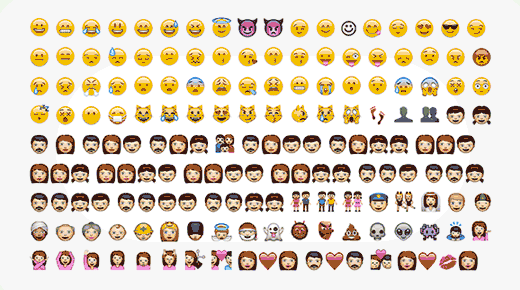
WordPress added this fallback back in version 4.2 so older browsers could display Unicode emojis. Today every modern browser, phone, and desktop OS renders native emojis out of the box – making those extra scripts and external s.w.org requests pure bloat.
Method 1. Disable WordPress Emojis via functions.php (No Plugin)
The cleanest approach is adding this snippet to your child theme’s functions.php (or a small mu-plugin). It strips emoji scripts and styles from the front end, admin dashboard, RSS feeds, emails, and DNS prefetch tags:
function nm_disable_wp_emojis() {
    remove_action( 'wp_head', 'print_emoji_detection_script', 7 );
    remove_action( 'admin_print_scripts', 'print_emoji_detection_script' );
    remove_action( 'wp_print_styles', 'print_emoji_styles' );
    remove_action( 'admin_print_styles', 'print_emoji_styles' );
    remove_filter( 'the_content_feed', 'wp_staticize_emoji' );
    remove_filter( 'comment_text_rss', 'wp_staticize_emoji' );
    remove_filter( 'wp_mail', 'wp_staticize_emoji_for_email' );
    add_filter( 'emoji_svg_url', '__return_false' );
}
add_action( 'init', 'nm_disable_wp_emojis' );
Good to know: disabling this script does not break emojis in your posts! Standard Unicode emojis keep displaying cleanly using the visitor’s native system font – WordPress just stops replacing them with external images from s.w.org.
Method 2. Using the Disable Emojis Plugin
If you prefer not to touch theme code (especially without a child theme), install the tiny free Disable Emojis plugin from the WordPress directory – it applies the exact same hooks in one click.

Clear your page cache and hit Ctrl + U – the bloated _wpemojiSettings script is gone and your page header is noticeably cleaner.