Category:
Servers & Websites Posted:
November 15, 2024
Author:
AntonioDebian 12 “bookworm” was released on June 10, 2023. Below is the correct /etc/apt/sources.list for Debian 12 and a step-by-step upgrade from Debian 11 (bullseye) without reinstalling the system. At the end — how to move on to Debian 13.

Read the full article
Category:
Servers & Websites Posted:
August 20, 2020
Author:
AntonioI have written before about various ways to back up data from Unix and Linux servers (for example from FreeBSD to Windows with Robocopy — see Robocopy download and basic usage). Now I want to share the latest version of my method, which I managed to fully automate.
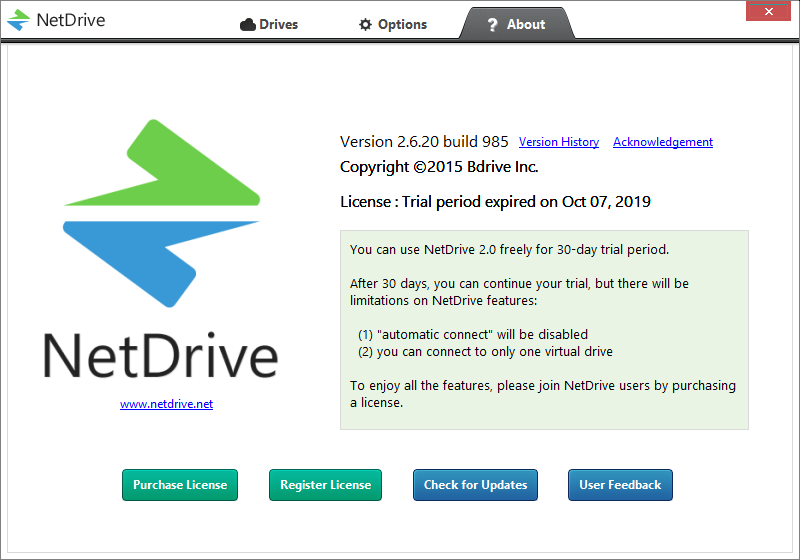
Recently I learned about new possibilities in NetDrive, the program I use to connect to servers over SFTP.

I spent a lot of time looking for a completely free alternative to NetDrive — something like FileZilla or WinSCP, but where the server is mounted as a drive instead of just connected. There seems to be nothing like that. There are some solutions, but they are far from NetDrive in looks and reliability.
Read the full article
Category:
Servers & Websites Posted:
October 26, 2019
Author:
AntonioConnecting to Wi-Fi in a modern Linux distribution with a desktop is usually easy: as long as the hardware is supported, it’s just a few clicks.
Connecting to Wi-Fi from the Linux console is a bit harder, but entirely doable.

Here is how I got internet over Wi-Fi with a TP-Link USB Wi-Fi dongle based on the MT7601U chip on Debian. I originally did it on Debian 9; below is the up-to-date version for Debian 12/13.
Read the full article
Category:
Servers & Websites Posted:
October 8, 2019
Author:
AntonioContinuing the series on useful console commands, this time it’s sed.

In one of my scripts I needed to remove the first and the last character of each line. You can do it with sed.
Read the full article
Category:
Servers & Websites Posted:
October 5, 2019
Author:
AntonioFor nicer formatting, you may want to print an empty line from a script into a text file.
You can make an empty line in Linux with this command:
Read the full article