CMS 3.24 and 3.18 DVR Software (Central Management System) — Download
CMS (Central Management System) is a Windows program for viewing and managing DVRs of the DHxxx and DU series from your computer. Version 3.18 has a nice interface and includes Russian among its languages.
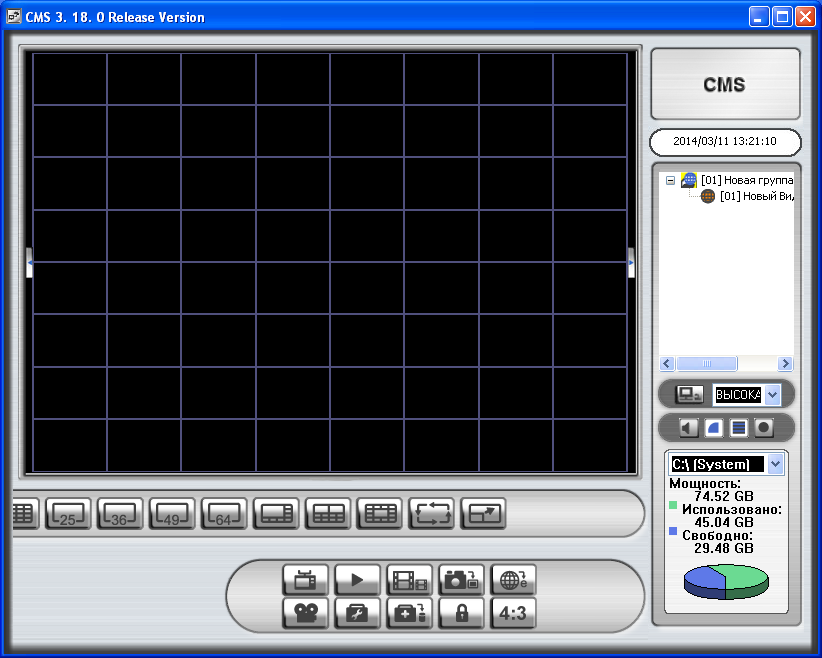
DVR sellers often ship CMS on a CD, but usually an old version.
Download CMS
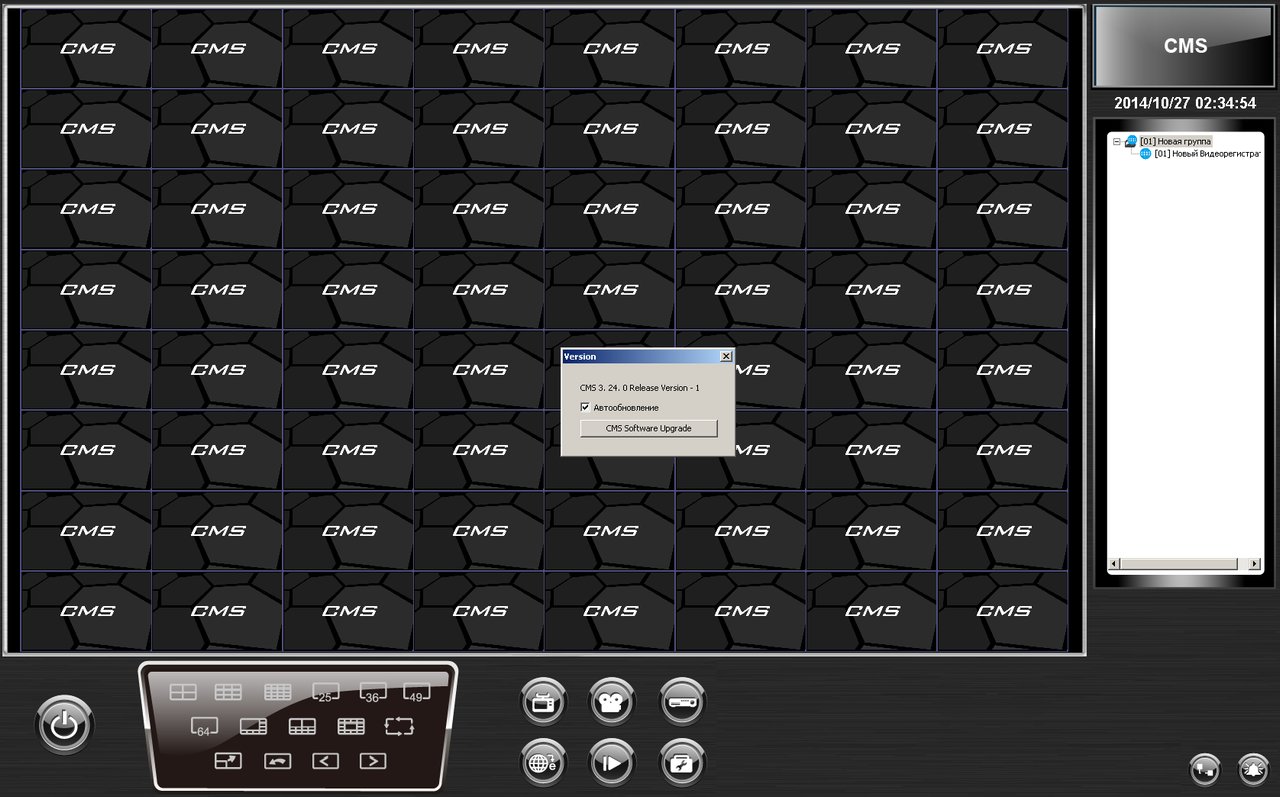
New versions used to be published on the Dynacolor FTP server, but that server is no longer online.
Default CMS login and password
To log in to the program:
login: admin
password: 1234
Common questions from the comments
- CMS doesn’t find the DVR, or shows only one camera. This CMS works with DVRs from specific makers (Dynacolor-based). Hikvision, Dahua, XMeye and most Chinese AHD recorders need their own software (iVMS-4200, SmartPSS, the XMeye CMS and so on). Dozens of different programs are called “CMS” — look for the one made for your model.
- The DVR responds to ping but can’t be added. Check the port in the DVR’s network settings (it’s often not 80) and make sure the PC is on the same subnet.
- Can I use it without a DVR? For standalone IP cameras use the camera maker’s software or a universal one such as Agent DVR.


