Mustek 1200 UB Driver for Windows 7 (32-bit) and What to Do on 64-bit
I borrowed a Mustek 1200UB scanner. I brought it home, plugged it in and thought I’d have it running on Windows 7 in five minutes. It turned out not to be that simple.
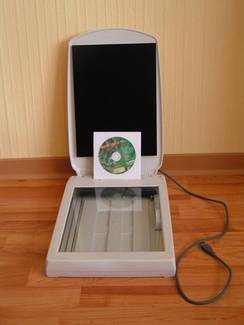
In short
- Windows 7/Vista 32-bit — a driver exists, link below.
- Windows 7/10/11 64-bit — there is no driver from Mustek, and there won’t be one.
Download the Mustek 1200 UB / 1200 UB Plus driver
Mustek 1200 UB Plus for Vista and Windows 7 32-bit (200 KB). Install it manually: unzip the archive, then in Device Manager choose Update driver for the scanner and point to the folder. It comes without Mustek’s own software, so scan with standard Windows tools (Windows Fax and Scan or any WIA/TWAIN application).
What to do on 64-bit Windows
After going through lots of sites and forums, these are the options:
- A virtual machine with Windows XP or 32-bit Windows 7 (VirtualBox, VMware), with the scanner passed through over USB. It works, but it’s a bit extravagant.
- An old PC or laptop with a 32-bit system. That’s what I did — I took an old Windows XP laptop out of the closet, installed the driver and scanned what I needed.
- VueScan — paid software with its own drivers for many old scanners. Check your model in the trial version before buying.


