“Your System Administrator Does Not Allow the Use of Saved Credentials” — RDP Fix
Connecting from a domain-joined computer, I ran into a problem: the RDP connection doesn’t save the password.
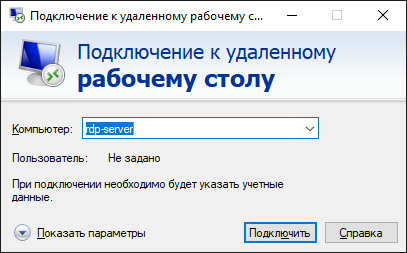
That’s very inconvenient, especially with a long password when you’re used to connecting quickly.
When connecting, you get the warning: “Your system administrator does not allow the use of saved credentials to log on to the remote computer because its identity is not fully verified.”
It’s easy to fix, but there are a few nuances worth knowing so you don’t waste time.
Solution: allow saved credentials for RDP
1. On the computer you connect from, enable a Group Policy setting.
Run the Group Policy editor gpedit.msc (admin rights required).
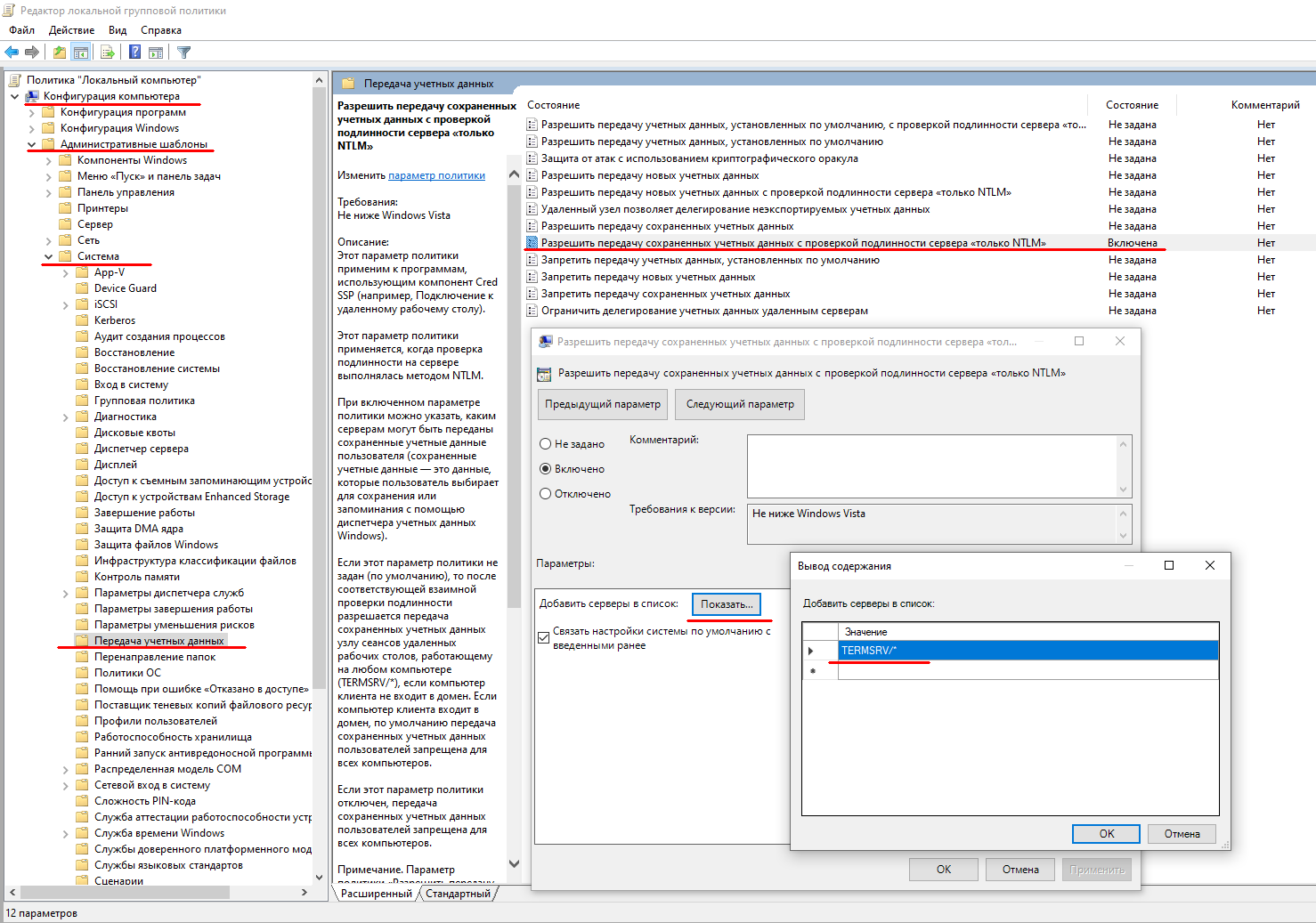
Go to Computer Configuration → Administrative Templates → System → Credentials Delegation → Allow delegating saved credentials with NTLM-only server authentication.
Set it to Enabled and click Show.
Add the remote computer in the format TERMSRV/computer_name. I used TERMSRV/* (all computers). Apply.
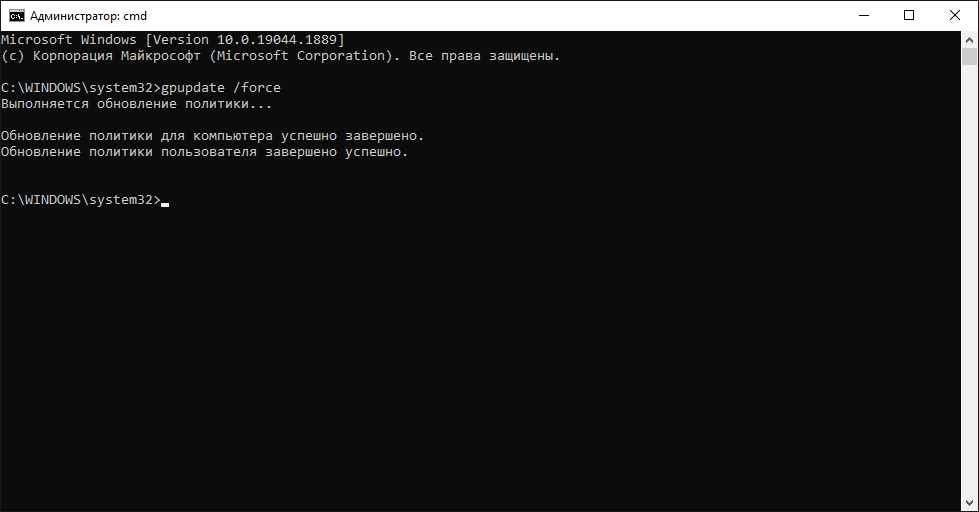
2. Apply the policy: reboot, or run gpupdate /force as administrator.
Nuances
- The policy is set on the computer you connect from!
- The slash direction matters: TERMSRV/*. Some guides use a backslash — that doesn’t work.
- gpupdate /force must complete without errors, otherwise nothing changes. In my case a laptop on VPN couldn’t reach the domain controllers, and the change only took effect once it got proper access and synced group policies with the domain.
- On a domain-joined PC a domain GPO may override your local setting — then the change has to be made in the domain policy.
After that, try again: the RDP password should be saved and no longer requested.


