How to Set Up a Local Network NTP Server on FreeBSD

While auditing internal network services, I decided to document how to spin up a dedicated local NTP server to keep clocks aligned across office machines. If your network already runs a FreeBSD gateway or server for more than ten workstations, standing up local NTP takes about ten minutes.
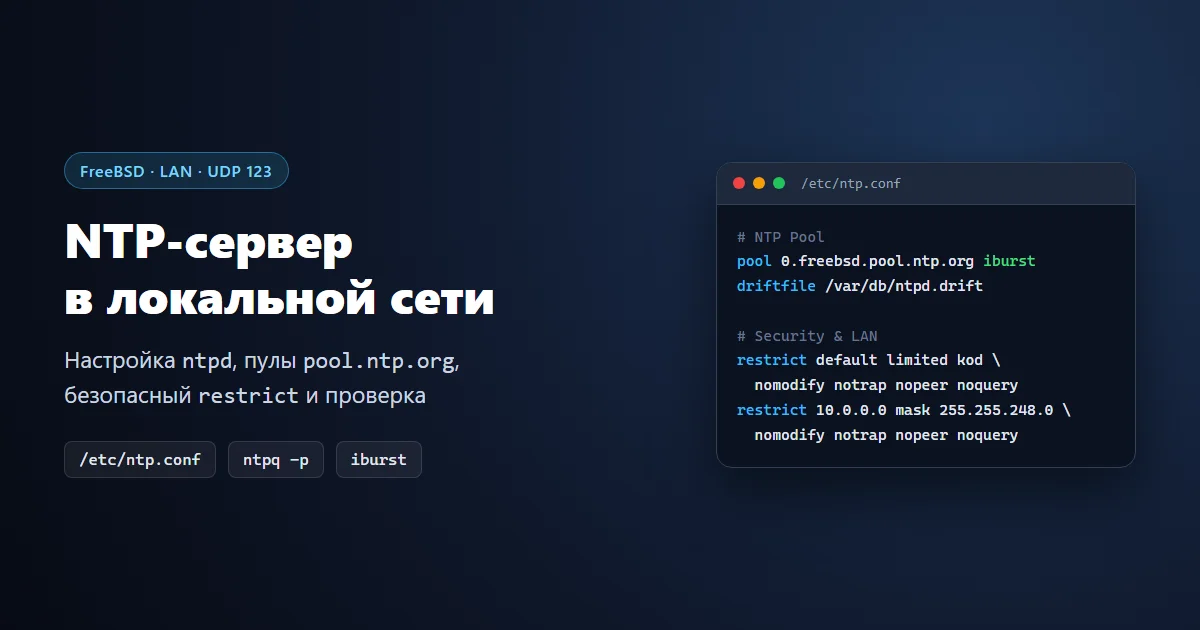
In short: FreeBSD includes the ntpd daemon in the base system. All you need is enabling autostart in /etc/rc.conf, configuring pool.ntp.org upstreams with safe restrict rules in /etc/ntp.conf, opening UDP port 123 in your firewall, and checking peers with ntpq -p.
Since our gateway already runs file sharing, internal DNS, VPN, and an intranet site, adding accurate time distribution over NTP required zero third-party packages from ports.
1. Enable ntpd on Boot
Add the startup flags cleanly to /etc/rc.conf:
sysrc ntpd_enable="YES"
sysrc ntpd_sync_on_start="YES"
If you explicitly want a custom config path (as used on some older setups like /etc/ntp/ntp.conf), you can set ntpd_config="/etc/ntp/ntp.conf". By default, modern FreeBSD reads /etc/ntp.conf.
2. Configure /etc/ntp.conf and Access Rules
Years ago people often hardcoded upstream ISP servers by static IP address. In practice that breaks over time as external servers move or close public access. Using dynamic pool.ntp.org entries with iburst for fast initial sync is far more resilient.
Open /etc/ntp.conf and set up a clean base configuration:
# Upstream reference time pools
pool 0.freebsd.pool.ntp.org iburst
pool europe.pool.ntp.org iburst

# Clock drift file and log output
driftfile /var/db/ntpd.drift
logfile /var/log/ntpd.log

# Default restrictions (mitigates DDoS amplification)
restrict default limited kod nomodify notrap nopeer noquery
restrict -6 default limited kod nomodify notrap nopeer noquery

# Full access for localhost
restrict 127.0.0.1
restrict -6 ::1

# Allow your LAN subnet to query time only (adjust subnet mask to match yours)
restrict 10.0.0.0 mask 255.255.248.0 nomodify notrap nopeer noquery
ignore drops replies from any upstream IP not whitelisted in its own restrict line. Because pool pulls rotating server IPs, limited kod nomodify notrap nopeer noquery prevents abuse while keeping pool synchronization working smoothly.3. Drift File, Firewall, and Service Startup
Create an empty drift file if one does not exist yet and allow UDP port 123 in ipfw for your trusted subnet or outbound traffic (in production, scope rules strictly to your LAN ranges):
touch /var/db/ntpd.drift
ipfw add allow udp from 10.0.0.0/21 to me 123 keep-state
service ntpd start
If ntpd was already running with an older config, restart it to apply the changes:
service ntpd restart
4. Verify Synchronization
Give the daemon 5–10 minutes after launch to poll upstream servers and settle on a primary source, then inspect peer status:
ntpq -p
An asterisk * in the first column marks your active chosen system peer, while + marks valid backup candidates. If any row shows stratum st = 16, that remote host hasn’t responded or is unreachable.
To test responses from your internal server without shifting local system clocks, run ntpdate -q (-q queries time read-only):
ntpdate -q 10.0.0.1
In a corporate LAN I also sometimes added an internal DNS override pointing time.windows.com to 10.0.0.1 so Windows desktops automatically pulled time from the FreeBSD gateway without touching every workstation. That trick only works when clients use your internal DNS without bypassing it via DoH; for standalone machines, you can simply set the NTP server directly inside Windows.
Common Log Messages and Troubleshooting
- Frequency format error in ntpd.drift: normal on first launch when the drift file is empty;
ntpdwrites the calculated frequency offset automatically after running. - Bad file descriptor:
ntpd.driftis missing or the path inntp.confis wrong (modern defaults point to/var/db/ntpd.drift). - Address already in use (port 123): another instance of
ntpdis already bound to UDP 123; verify running sockets withsockstat -46 | grep 123. - Log rotation:
ntpdstays very quiet in normal operation, though/var/log/ntpd.logcan easily be added to/etc/newsyslog.confif desired.
Built-in ntpd on FreeBSD handles a small or mid-sized office network effortlessly: configure it once, and workstations, servers, and IP cameras across the LAN stay synchronized without each machine hammering outside servers.