SimplePod.ai: Cloud GPU Rental from $0.05/Hour — Prices and How to Start
Need a powerful graphics card for a few hours — to train a neural network, generate images in Stable Diffusion or ComfyUI, or run a language model with Ollama — but buying an RTX 4090 for that makes no sense? You can rent a GPU in the cloud and pay only for the time it runs.
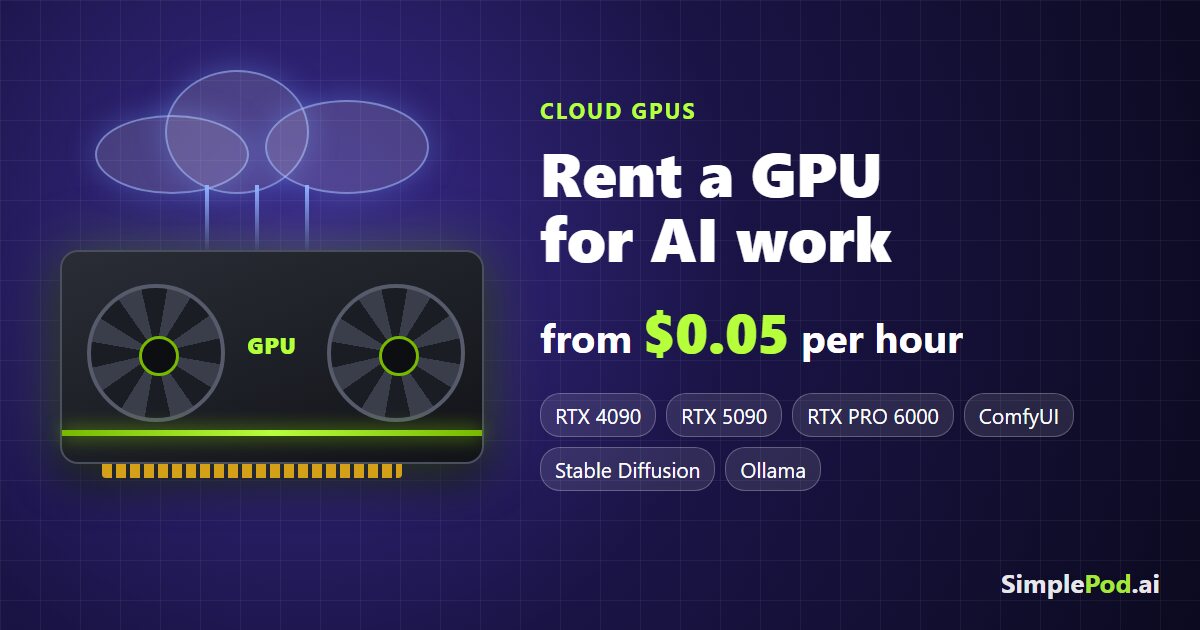
One of these services is SimplePod.ai. Here is what it offers, how much it costs, and how to get started.
What is SimplePod?
SimplePod.ai is a cloud GPU rental service for AI and machine learning work: training and running models, generating images and video, rendering. The company is SimplePod.ai Sp. z o.o. Sp. k. (Poland).
Key points:
- Pay as you go — you pay only while the server is running, billed per second. No subscription and no long-term commitment.
- Ready-made templates: PyTorch, TensorFlow, Jupyter Notebook, Stable Diffusion, ComfyUI, Ollama, Koboldcpp, Llama and more — no need to install drivers or CUDA.
- Two modes: a Docker container (fast start with a ready environment) and a GPU VPS (a full Ubuntu or Windows system with a public IP; the disk is kept when you stop it).
- Network storage at up to 25 Gb/s — keep your models in one place and attach them to different servers.
- Real-time monitoring of GPU, memory and CPU usage, a web console, an API and an MCP server for automation.
- Support on Discord (first reply usually within 1–60 minutes) and by email at [email protected].
GPU rental prices
Docker prices at the time of writing (November 2026), per hour:
| GPU | Memory | Price, from |
|---|---|---|
| RTX 3060 | 12 GB | $0.05/hour |
| RTX 3060 Ti | 8 GB | $0.06/hour |
| RTX 3070 | 8 GB | $0.07/hour |
| RTX 4070 | 12 GB | $0.07/hour |
| Tesla V100 | 32 GB | $0.11/hour |
| RTX 4080 Super | 16 GB | $0.12/hour |
| RTX 3090 | 24 GB | $0.14/hour |
| RTX 4090 | 24 GB | $0.41/hour |
| RTX 5090 | 32 GB | $0.54/hour |
| RTX PRO 6000 Blackwell | 96 GB | $0.99/hour |
A100, H100, H200 and B200 are available by reservation. Check the website for current prices, as they change.
For comparison: a new RTX 4090 costs over $1,500 — for that money you can rent one for more than 3,500 hours.
Docker or VPS: which one to choose
- Docker GPU is right for most tasks. Pick a template (for example, ComfyUI or Jupyter), and the environment is ready in a couple of minutes. The downside: when the container is deleted, its data is lost, except for files in network storage.
- GPU VPS is for when you need a full system: Ubuntu or Windows, your own software, SSH or RDP access, and a public IP with all ports open. You can stop the server and keep the disk, paying only for the disk while it’s stopped.
How to rent a GPU on SimplePod
- Sign up using this link: SimplePod.ai.
- Top up your balance on the Billing tab (you can also turn on auto top-up there).
- Choose a template — for example, ComfyUI, Jupyter or PyTorch — and click Use Template.
- Pick a GPU by model, memory and price, and click Run.
- Work through the web interface, Jupyter or the console. GPU load and the current cost are shown under My Instances.
- When you’re done, click Delete Instance (or stop the VPS) so you don’t pay for idle time.
Tip: test your workload on a cheap RTX 3060 at $0.05/hour first, and move to a powerful card once everything works. And remember to delete or stop the server — billing runs as long as it’s on.
Who is it for?
- Generating images and video (Stable Diffusion, ComfyUI) without your own graphics card.
- Running local language models (Ollama, Llama, Koboldcpp).
- Training and fine-tuning models with PyTorch and TensorFlow.
- Rendering and other jobs that need a GPU for a while.
Try SimplePod: simplepod.ai
The SimplePod link is an affiliate link: signing up through it costs you nothing extra, and the blog gets a small reward.
