Invalid Access on Cisco ATA-186: How to Open the Web Setup Page (http://IP/dev)

Problem: you set the IP address of a Cisco ATA-186 from the phone, then try to open it in a browser to configure it, and the ATA-186 returns Invalid Access.
Solution: the configuration page is not at the root but at an address like http://device_IP_address/dev, for example http://192.168.1.10/dev.
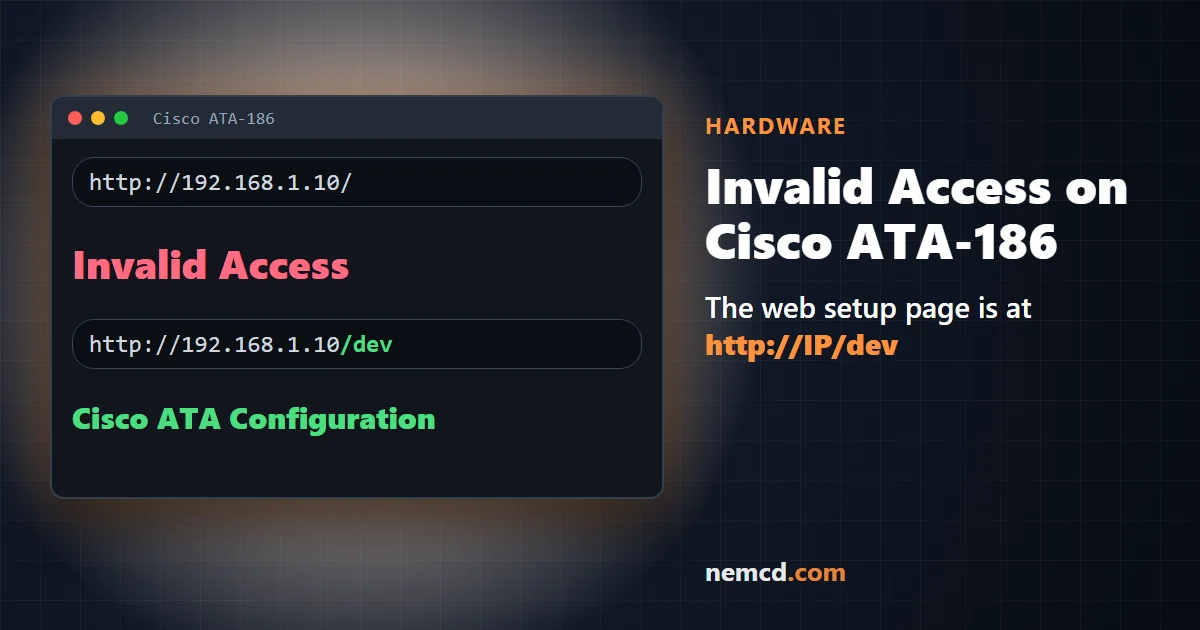
Below: how to find out the ATA’s IP address from the phone, how to set a static address through the voice menu, and what to do if the web page still does not open.
How to find out the IP address of a Cisco ATA-186
- Connect an ordinary touch-tone phone to the Phone 1 port on the back of the ATA.
- Lift the handset and press the button on the top of the ATA – the voice configuration menu will start.
- Dial 21# on the phone – the ATA will read out its IP address.
If the address is read out with zeros, for example 192.168.001.010, type it in the browser without the leading zeros: http://192.168.1.10/dev.
How to set a static IP through the voice menu
Every code in the menu is dialed on the phone and ends with the pound key #. Values are also entered on the phone keypad, and the dot in an address is replaced with the star key: the address 192.168.1.10 is entered as 192*168*1*10.
- 20# – DHCP: 0 – off, 1 – on. For a static address, DHCP must be turned off.
- 1# – the ATA’s IP address.
- 10# – subnet mask, usually 255*255*255*0.
- 2# – default gateway (the router’s address).
After you enter a value, the ATA offers: 1 – change, 2 – review the entered value, 3 – save, 4 – review the saved value. Press 3, then # to exit, and hang up – the ATA will apply the settings.
If the web page does not open
- Check the connection. The computer must be on the same network as the ATA and be able to ping its address.
- Settings from a TFTP server. If the ATA gets its configuration from TFTP, on refresh it will overwrite the values set from the phone or the browser. In that case, change the configuration file on the server.
- Password. If a password is set on the ATA (voice menu code 7387277#), it will be requested when you change settings.
How to reset a Cisco ATA-186 to factory settings
If you forgot the password or the settings are messed up:
- Lift the handset of the phone connected to the Phone 1 port and press the button on the top of the ATA.
- Dial 322873738# (on the phone keys this spells FACTRESET).
- Press 3 to confirm the reset and hang up.
According to Cisco’s documentation, this is the only way to recover a forgotten password without contacting a Cisco representative. The ATA’s address may change after the reset – find it with code 21# and go to http://IP/dev.