locate: command not found — How to Install It and Update the Database (updatedb)

I got a brand-new Debian VPS and, out of habit, immediately started looking for files:
locate nginx.conf
but ran into an error:
-bash: locate: command not found
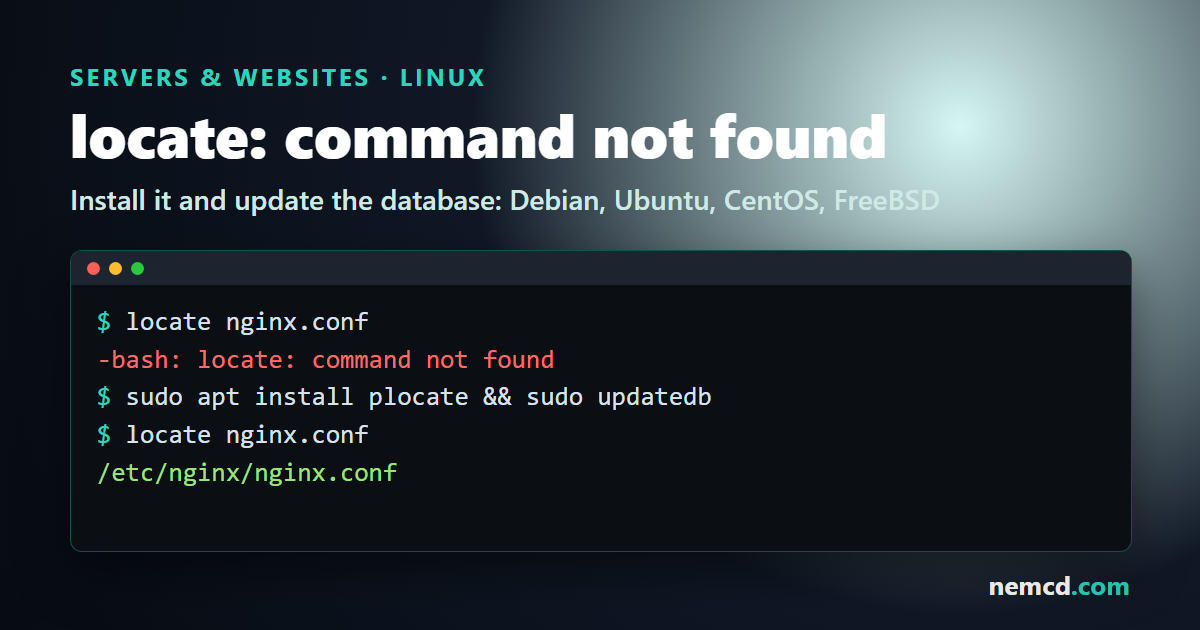
It turns out a minimal install doesn’t include locate: you need to install the package and build the file database first, and only then can you search.
Back then, on Debian it was done like this:
aptitude install locate
updatedb
How to install locate (as of November 2026)
These days the old mlocate has been replaced almost everywhere by plocate. It’s much faster, and the command is still the same: locate.
Debian 11, 12, 13 and Ubuntu 22.04 or newer:
sudo apt install plocate
sudo updatedb
In Debian 12, mlocate is just a transitional package that installs plocate, and Debian 13 doesn’t have it at all. There’s also the locate package from findutils, which works too but is slower.
Fedora 36 or newer, RHEL 10 and its clones (AlmaLinux, Rocky):
sudo dnf install plocate
sudo updatedb
CentOS 7, RHEL 8 and 9 and their clones:
sudo yum install mlocate
sudo updatedb
FreeBSD: locate is part of the base system, so there’s nothing to install; you just need to build the database (see below).
How to update the locate database
locate doesn’t search the disk; it searches a database built in advance. To update it manually on Linux:
sudo updatedb
If you’re working as root, plain updatedb is enough.
On FreeBSD:
/usr/libexec/locate.updatedb
Normally the database updates itself: on Linux once a day (via cron or a systemd timer), on FreeBSD once a week via the /etc/periodic/weekly/310.locate script. That’s why locate won’t find files you just created until you run the update manually.
Common errors
The package is installed, but locate says it can’t open the database. On CentOS with mlocate it looks like this:
locate: can not open `/var/lib/mlocate/mlocate.db': No such file or directory
With plocate the error is similar, only the path is /var/lib/plocate/plocate.db. The cause is the same: the database hasn’t been created yet. Fix it with sudo updatedb.
A new file isn’t found. The database is older than the file; run sudo updatedb.
locate shows a file that no longer exists. Same thing: the database is out of date. Add the -e option and locate will show only files that still exist:
locate -e nginx.conf
It misses files because of letter case. The -i option makes the search case-insensitive:
locate -i readme
Need your own Debian or Ubuntu VPS to practice on? Vultr lets you create one in a few minutes, billed by the hour (referral link).