While auditing internal network services, I decided to document how to spin up a dedicated local NTP server to keep clocks aligned across office machines. If your network already runs a FreeBSD gateway or server for more than ten workstations, standing up local NTP takes about ten minutes.
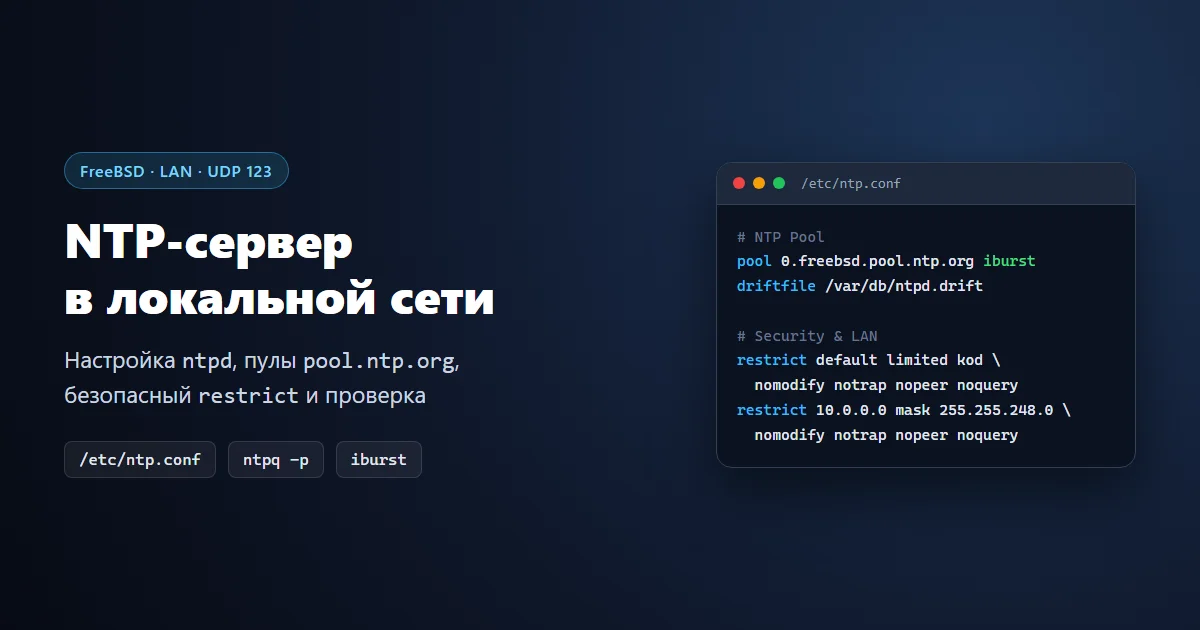
In short: FreeBSD includes the ntpd daemon in the base system. All you need is enabling autostart in /etc/rc.conf, configuring pool.ntp.org upstreams with safe restrict rules in /etc/ntp.conf, opening UDP port 123 in your firewall, and checking peers with ntpq -p.
Read full article →
Grabbing the first two – or last few – characters of a string is an everyday PHP task when working with language codes, prefixes, or file extensions. For plain ASCII letters and digits, built-in substr() does the job, while multibyte UTF-8 text requires mb_substr().

Here are concise working examples for both cases so you never accidentally corrupt accented or non-Latin characters.
Read full article →
The MySQL server has gone away error (code 2006) is one of the most common headaches when importing large SQL dumps, running WordPress migrations, or executing long-running PHP/Python scripts. It means your client sent a query after MySQL or MariaDB had already closed the connection.
Quick answer: 90% of the time it comes down to two server settings – max_allowed_packet being too small (large query or SQL dump import) or wait_timeout expiring on an idle connection.
Read full article →
I had a WordPress blog with a translated theme where menus, templates, and most plugin strings were already localized, yet every post preview still showed an English “Continue reading” link instead of the translated button.
 Link in theme
Naturally, I opened the theme files, found the phrase “Continue reading,” and replaced it – but nothing changed on the live site. Online threads gave conflicting advice: some suggested editing localization files, others told me to modify template loops, and none of it worked reliably for everyone. Below is what actually caused the issue in my case and all the clean ways to customize or translate this link in WordPress.
Read full article →

Question: how do you disable access.log in nginx?
Answer: put access_log off; in the nginx configuration and reload nginx.
On a busy server access.log grows fast and writes every request to disk. If you don’t need the request log (or need it only for part of the site), you can turn it off entirely or selectively.
Read full article →