When comparing NDD and STP Forex accounts, you will often spot the term BBO-Bridge. Behind the jargon sits a straightforward pairing of two technologies: Best Bid and Offer (BBO) price aggregation and a software Bridge linking MetaTrader directly to external liquidity providers.
Quick summary: a BBO aggregator continuously scans quotes from multiple Tier-1 banks and ECN venues, selects the tightest available Bid and Ask, and the Bridge routes your MetaTrader order straight into that liquidity stream with no manual dealer desk intervention.
Among hundreds of overly complex MetaTrader 4 indicators, occasionally you come across one that stays clean and easy to read – 100 Pips Today Scalper is one of them. Although it was built for lower-timeframe scalping, after watching it for a couple of days on H1 I found it also highlights swing trend shifts cleanly alongside simple support and resistance lines.
The screenshot above shows EUR/USD (H1) with 100 Pips Today Scalper attached; I drew the resistance trendline manually and the bounces lined up neatly. Below is how the signals work, how to install it in modern MT4, and the download link.
Funny pictures drawn right in the trading terminal. To bring some fun and color into the harsh trading routine, plenty of traders get creative like this :-)
Here is a lovely little dragon
Below are seven more chart pictures, the perfect trader from the natural world and a joke about brokers and traders. And at the end – what these jokes actually teach.
If you watch experienced traders mark up charts in MetaTrader 4 (or MetaTrader 5), you will notice a neat trick: with one quick drag of the mouse, they clone a trendline or horizontal level into a second perfectly parallel line. It is a built-in keyboard shortcut that surprisingly few beginners know about.
Quick answer: double-click the line on your chart to select it (small square handles appear), hold down the Ctrl key, and drag the line with your mouse – MetaTrader creates an exact parallel duplicate with the same color, width, and style.
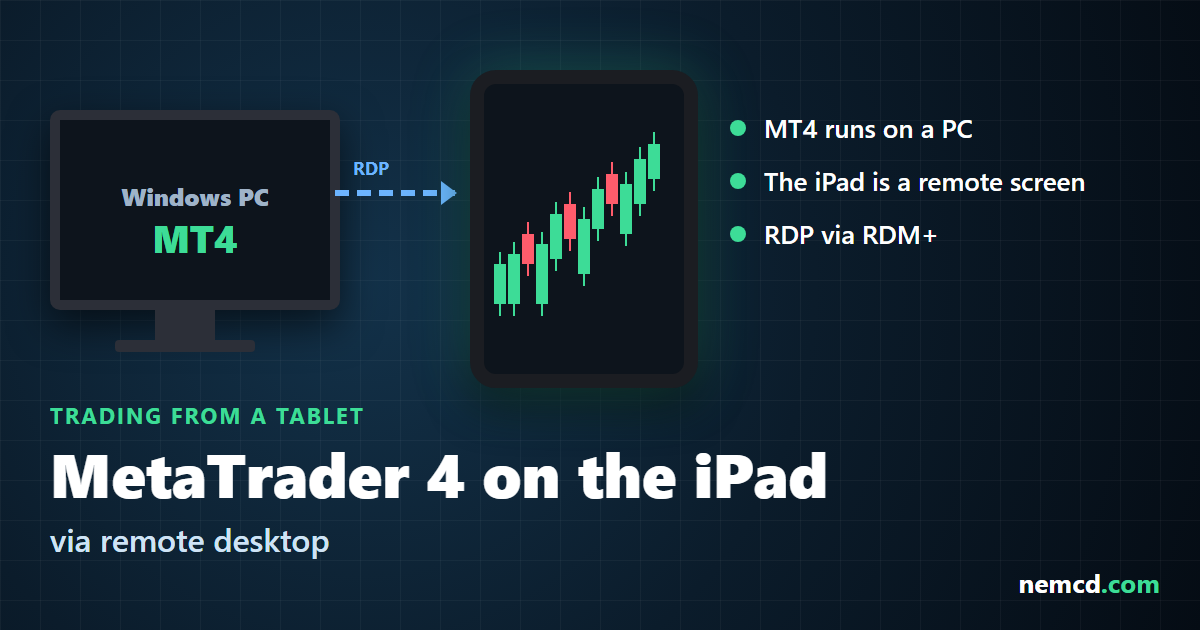
Want to download MetaTrader 4 for the iPad? I’m sorry to disappoint you: there’s no MetaTrader 4 app for the iPad, or for Mac OS in general.
So what can you do? How do you trade from an iPad? After all, it has such a good, high-quality display, Wi-Fi, and some models even have 3G! Read full article →