SoundMAX AD1986A Driver for Windows 7 — Download (No Sound Fix)
On my old Asus M2NPV-VM motherboard the sound disappeared after upgrading to Windows 7.
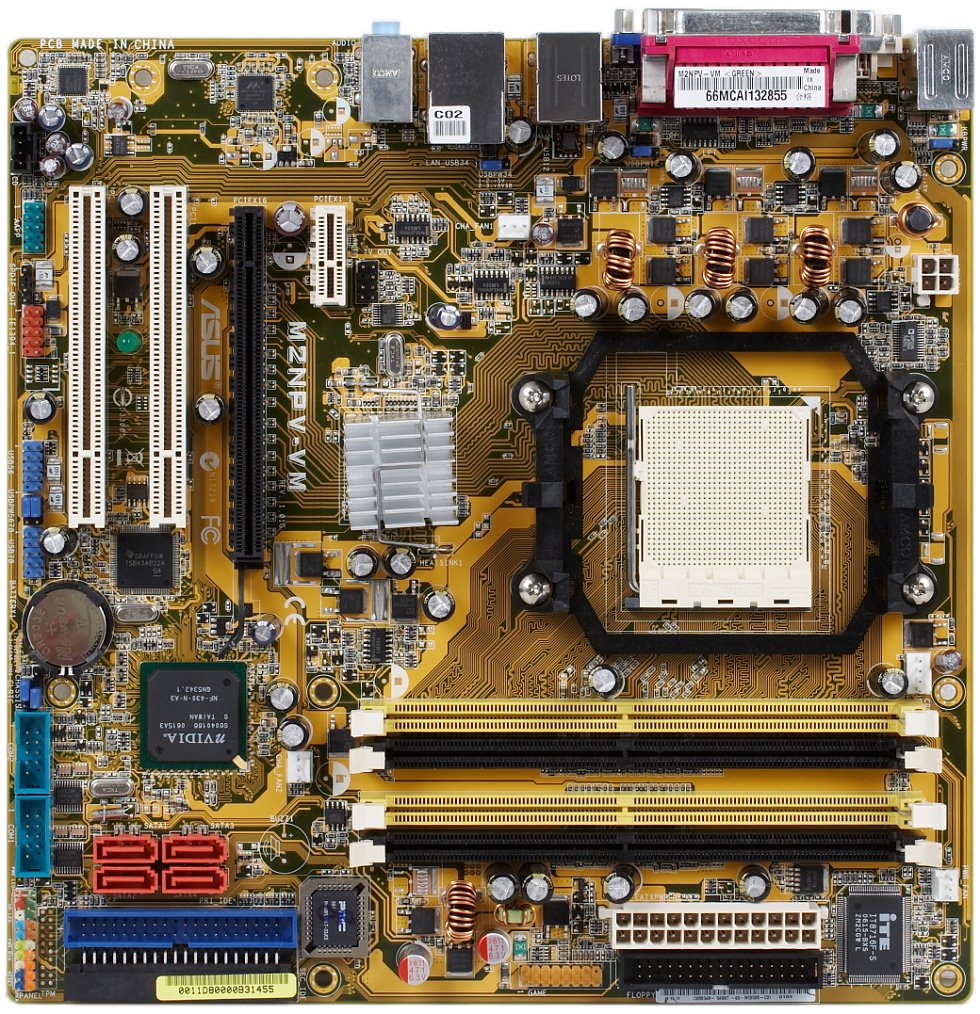
The Asus M2NPV-VM is a nice, big board with plenty of RAM slots, onboard video and a SoundMAX AD1986A audio codec.
Try without a driver first
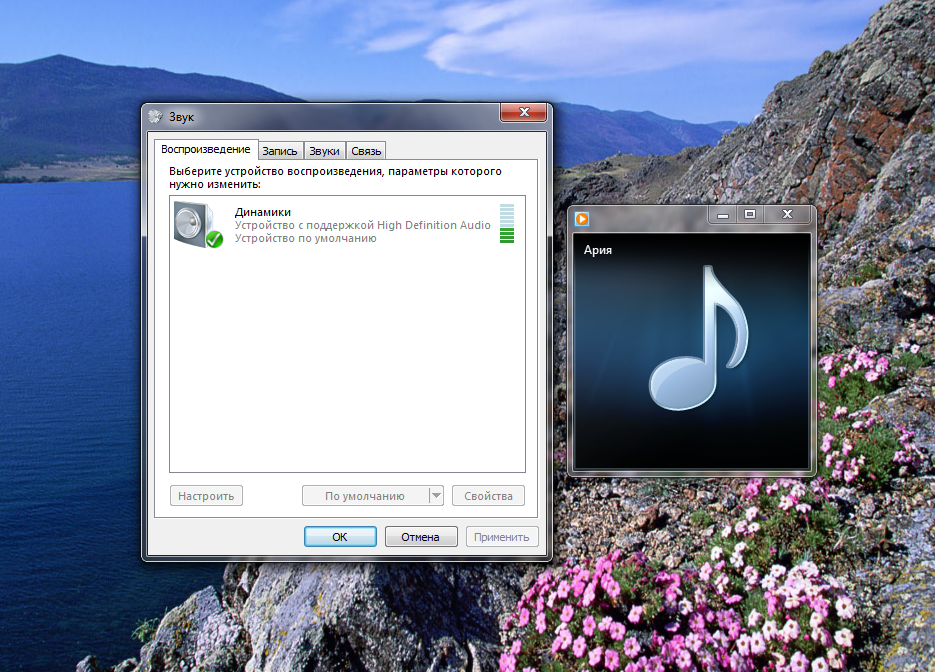
The funny part: Windows 7 installs its own driver for the SoundMAX AD1986A, yet there is no sound. You just need to pick the right playback device:
right-click the speaker icon in the tray → Playback devices → set Speakers as the default device (you can disable the other one). The sound comes back, and you don’t need any other driver.
Download the SoundMAX AD1986A driver for Windows 7
If you want the full SoundMAX driver with its control panel: Asus doesn’t offer a Windows 7 audio driver for the M2NPV-VM. I tried the Lenovo (w4aud02us17.exe) and Intel (AUD_allOS_6600_PV_CNXT.exe) drivers — they don’t fit.
What worked was a driver from the Asus site listed for the P5Q-E board:
SoundMAX 2000B Audio Driver V6.10.1.6585 for Windows 7 32-bit (WHQL)
SoundMAX 2000B Audio Driver V6.10.2.6585 for Windows 7 64-bit (WHQL)
Download the SoundMAX driver (15 MB, 32 and 64-bit in one archive).
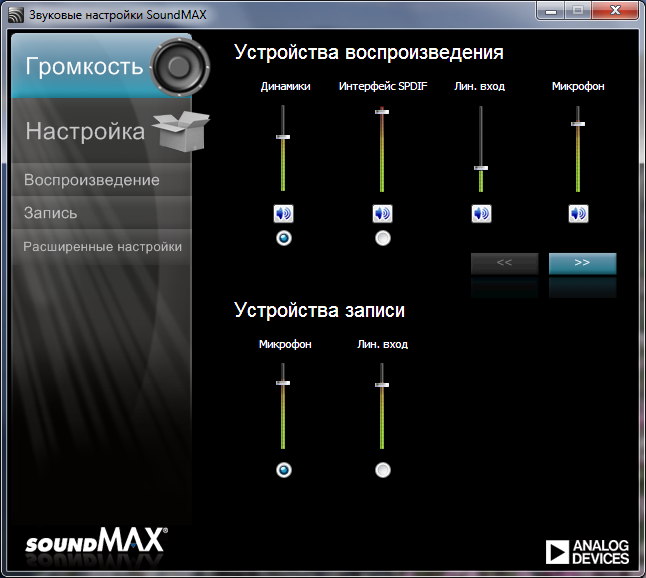
After installing it you get this nice audio control panel:
Windows 10 and 11
The standard Microsoft “High Definition Audio” driver usually works here — check the default device as described above. The driver from the archive was made for Windows 7 — you can try it on 10/11, but there are no guarantees.
If nothing fits, check the audio device’s hardware ID in Device Manager: you may have a different codec that needs a different driver.


