Color Test Page for Inkjet Printers (Print and Check Nozzles)
To set up a printer and check that it works, the standard test page is usually enough (Printer properties → Print Test Page).
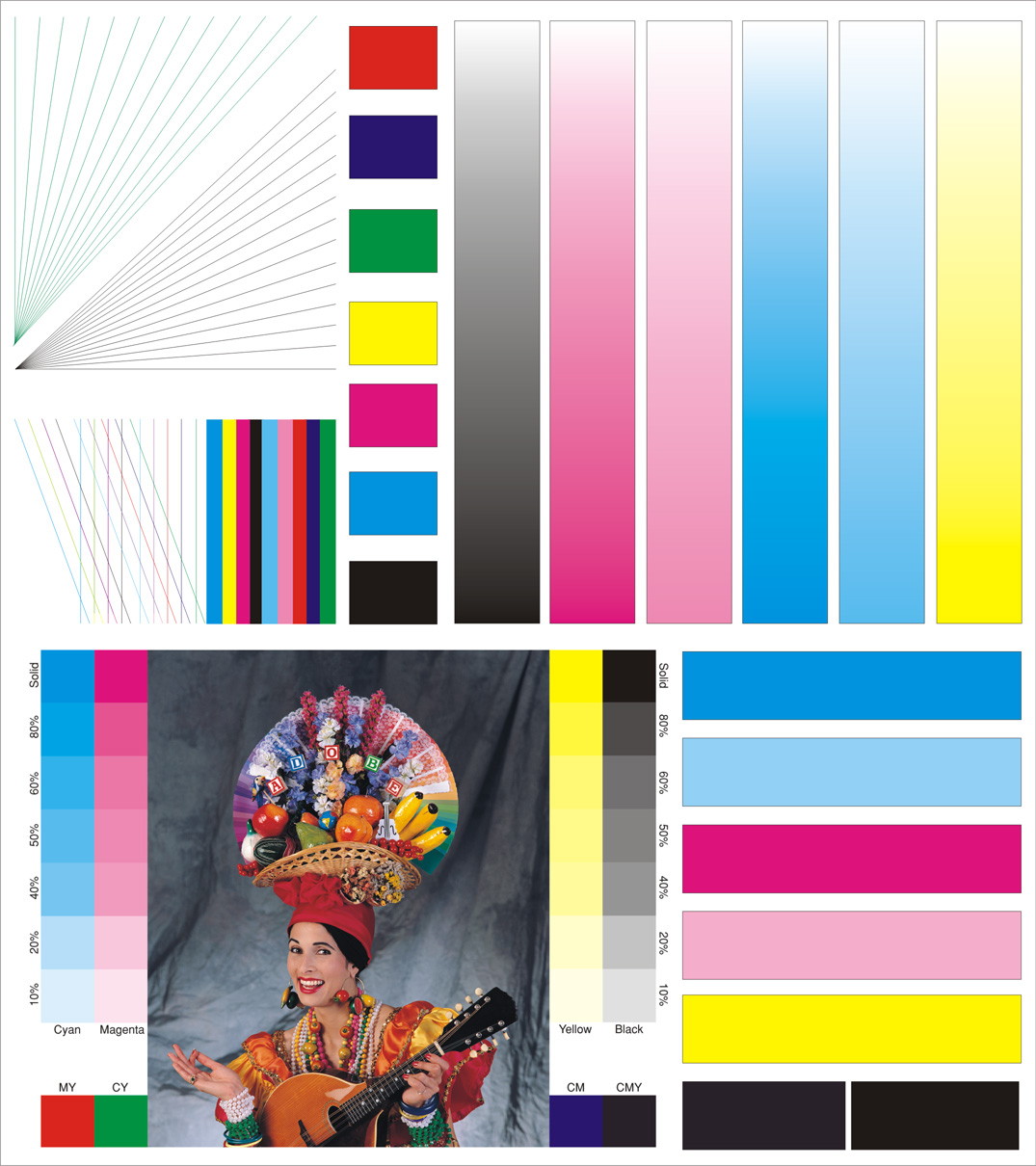
But with an inkjet printer — especially an older one where ink may have dried in the print head nozzles — you need a more colorful test page that shows how each color and each line prints.
Today was that day: I was working on an Epson Stylus Photo P50, and it was printing questionably.
I ran ink cleaning, head cleaning and test pages from the PrintHelp utility — it helped, and it was time for a full color test 
A beautiful color test page for inkjet printers (WWM)

Click the image to open the full-size version. I print it from IrfanView, scaled to fit and centered — it comes out very colorful (as long as the printer prints all colors properly).
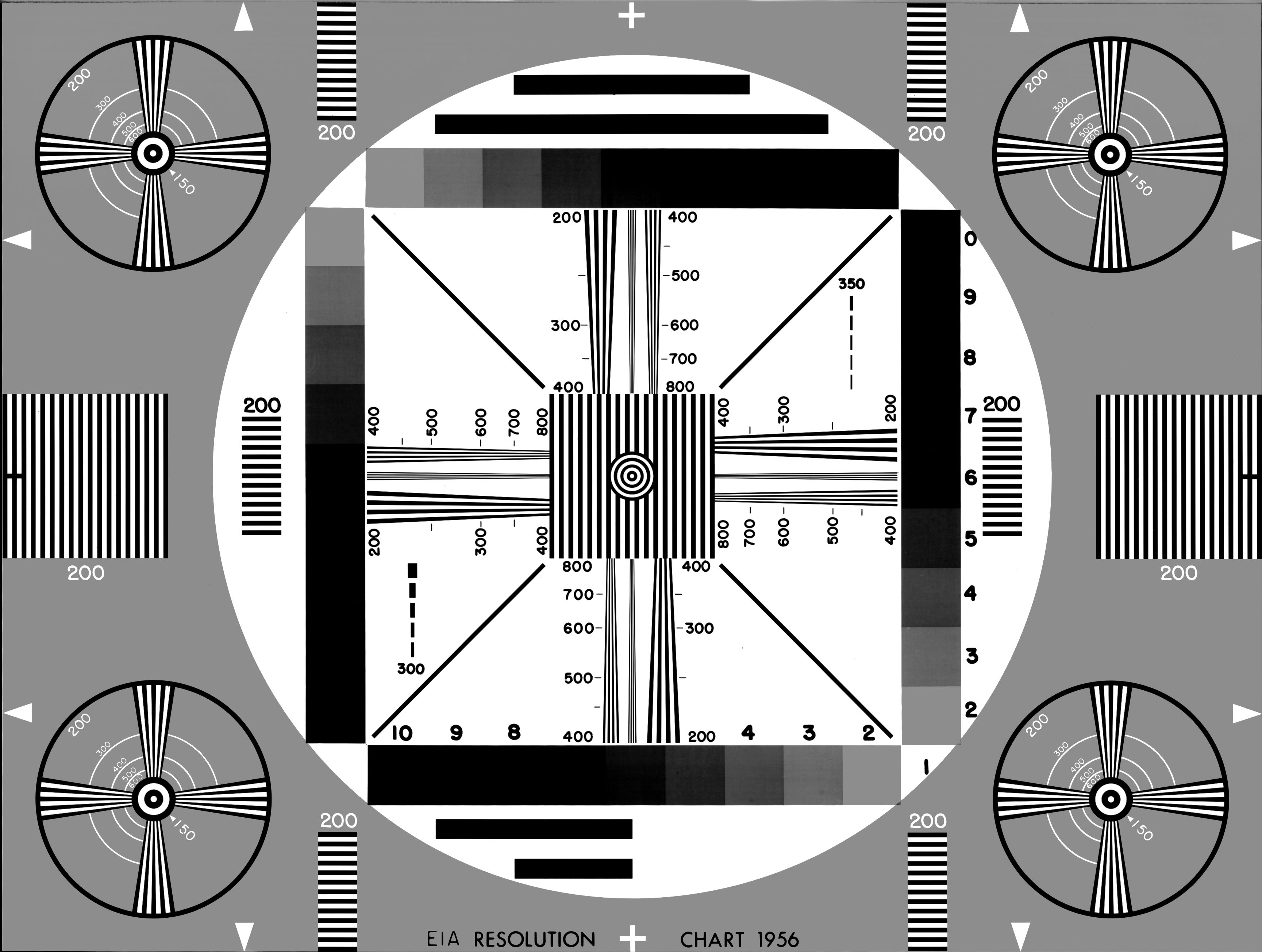
A simpler test page
This one has lower quality and DPI, but it’s good in its own way:
What to look at
- Missing lines or gaps in one color — clogged nozzles for that color: run head cleaning and print again.
- Wrong colors in the photos — a channel is empty or mixed up.
- Smudges or streaks — paper type setting or dirty rollers.
If you find an even nicer test page, please share it in the comments
