Canon imageRUNNER 2520 Beeps and Won’t Print A3 — Fix (UFR II Driver)
A big, white, old-timer: the Canon imageRUNNER 2520.
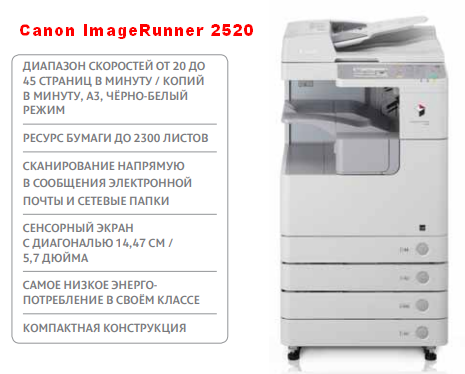
When you send a job to print, the machine just beeps and prints nothing.
It may look like the printer is broken and you have no idea what to do.
But the fix is simple: you need the right driver and the right paper size, and everything will work like a charm.
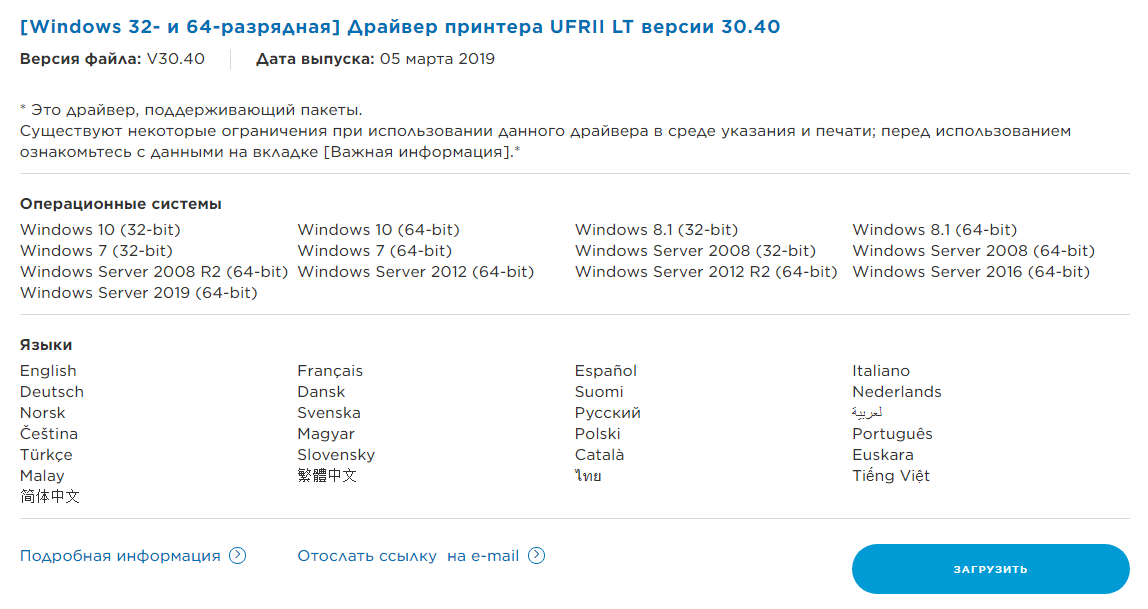
You need the UFR II driver. Download it from the Canon website; it is listed a little below the regular PCL6 and PS drivers.
When you print, choose the paper size you need. The default is A4, and in my case I had to select A3.
