USB to PS/2 Adapter: How to Connect an Old Keyboard and Mouse to a Laptop

Laptops and many new computers no longer have PS/2 ports — they get more USB ports instead (laptops, unfortunately, have few, so sometimes you need a USB hub).

But sometimes you’re left with a keyboard, mouse or barcode scanner with a PS/2 plug that you need to connect. That’s where a USB to PS/2 adapter comes in.
Passive adapter vs active converter — the difference
This matters, or you may buy the wrong thing:
- A passive PS/2 → USB adapter (a small plug with no electronics) only works with devices that support both protocols themselves — usually the mice and keyboards it came bundled with. It won’t work with a plain old PS/2 keyboard.
- An active USB → PS/2 converter is a cable with electronics inside that converts the signals. It works with ordinary PS/2 devices, and it’s what you need in most cases.
Types of converters
For both a PS/2 keyboard and mouse:

For a PS/2 mouse only:

My pick: Cablexpert UAPS12
The other day I had to find and buy a Cablexpert UAPS12 — USB to two PS/2 ports (keyboard and mouse). I found it for $2.56.

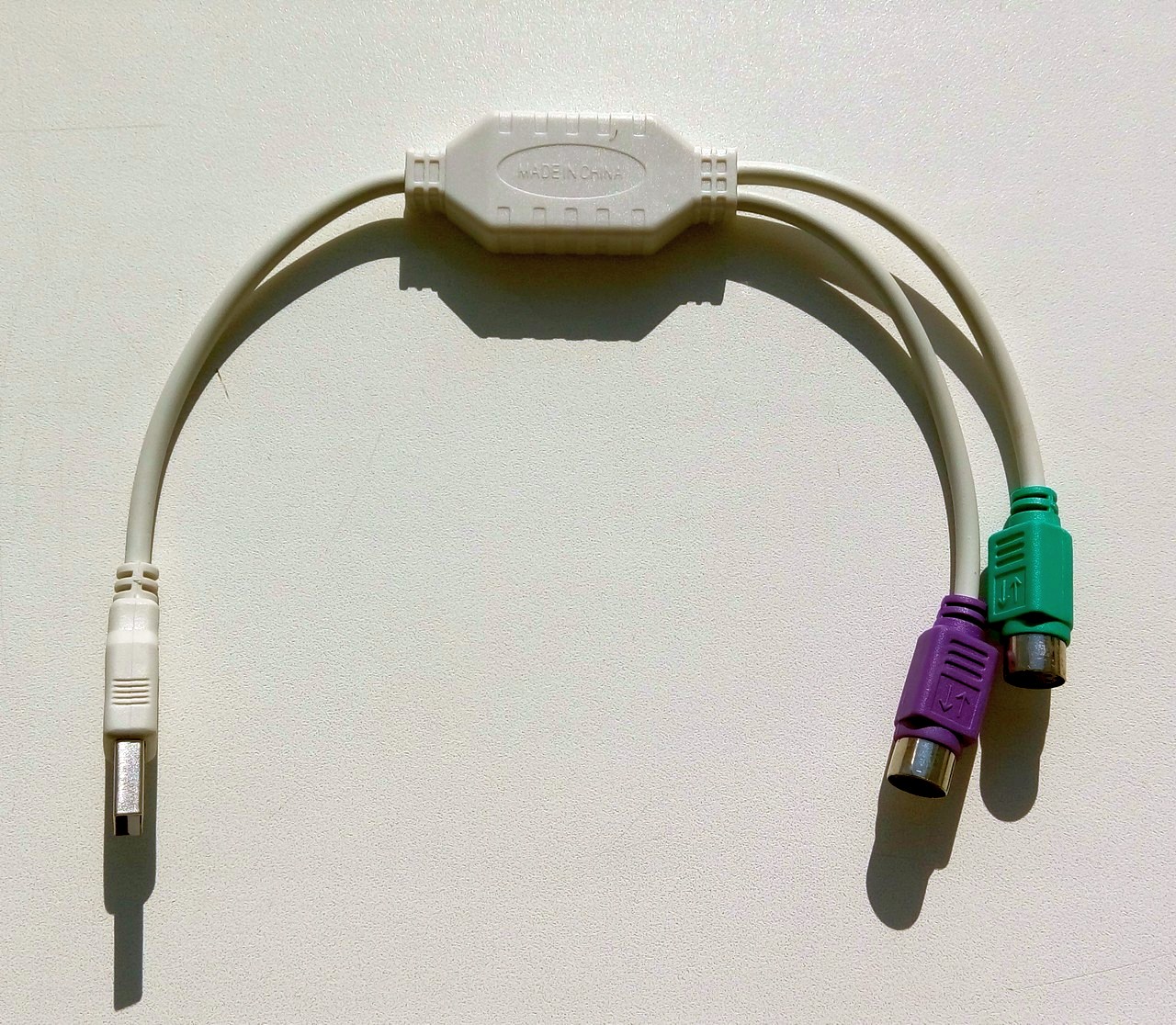
Of course I wanted something more branded :-) — like the Viewcon VE045 — but it wasn’t in stock, and I had no time to order and wait.
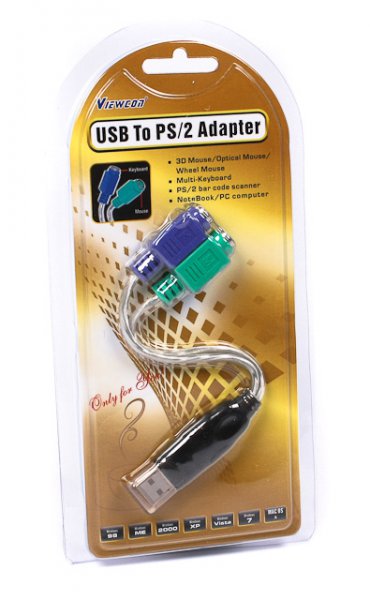
Reviews of the Cablexpert UAPS12 are mixed: some people got one that didn’t work right out of the box, others are happy. My verdict: it works, looks decent, the cables are fine and the connectors are good quality. Plug it in and it just works.
Don’t mix up the ports
The converter’s ports are color-coded: green for the mouse, purple for the keyboard. Mix them up and it won’t work. For example, a PS/2 barcode scanner goes into the purple port — such scanners usually connect in line with the keyboard.