How to Add a Delay in a Bash Script – Linux sleep Command (Seconds, Milliseconds & Loops)

Whenever you need to pause execution in a Linux or macOS bash script – waiting for a database to boot, spacing out API requests, or throttling a retry loop – use the built-in sleep command.
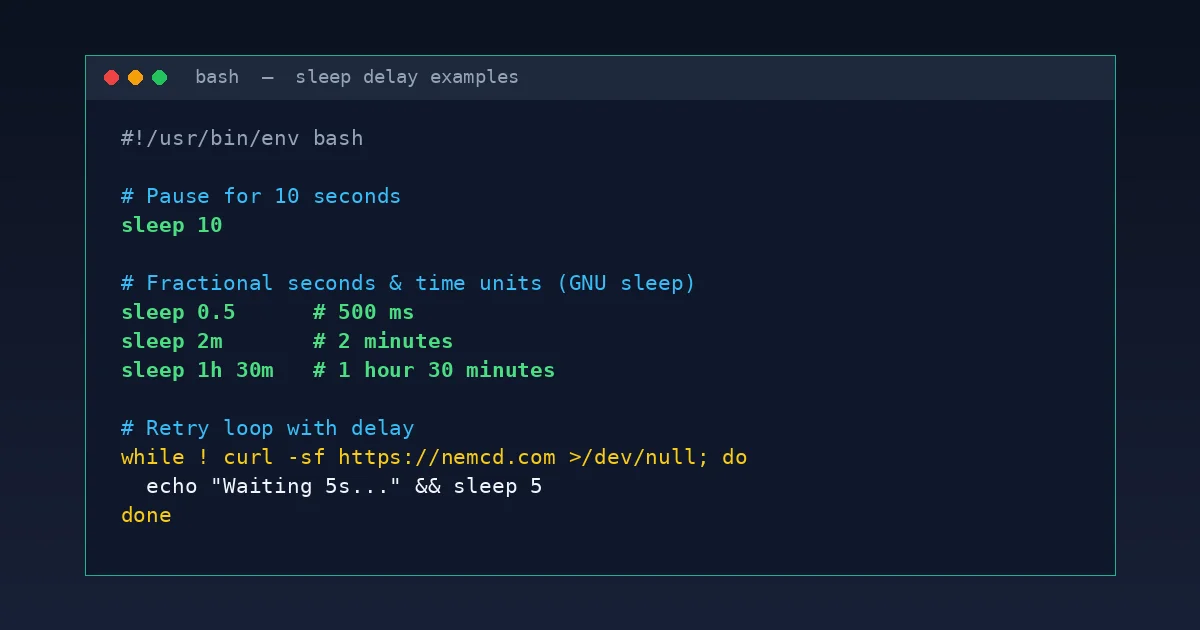
Quick answer: sleep 10 pauses a script for exactly 10 seconds. On Linux (GNU coreutils), sleep also accepts fractional seconds (0.5) and unit suffixes like m (minutes), h (hours), and d (days).
Basic sleep Examples
Without a suffix, the argument is always interpreted as seconds:
# Pause for 10 seconds:
sleep 10

# Pause for half a second (500 ms):
sleep 0.5

# Pause for 5 minutes / 2 hours / 1 day (GNU Linux):
sleep 5m
sleep 2h
sleep 1d

# Combine multiple durations (1 hour 30 minutes):
sleep 1h 30m
Note for macOS / BusyBox (Alpine): older BSD/POSIX sleep builds only accept plain seconds without m or h suffixes – for strictly portable scripts, write 5 minutes as sleep 300.
Practical Bash Script Patterns
- Delay a one-liner command:
sleep 60 && sudo systemctl restart nginx
Use
;instead of&&if you want the second command to run regardless of exit status. - Wait until a web service is ready (retry loop):
while ! curl -sf http://127.0.0.1:8080/health >/dev/null; do echo "Waiting for service..." sleep 5 done echo "Service is up!" - Simple live countdown in the terminal:
for i in {5..1}; do
    echo -ne "Starting in $i s...\r"
    sleep 1
done
echo "Go!                 "
While sleeping, the process uses virtually zero CPU and can be interrupted anytime in an interactive terminal with Ctrl + C.
More Linux CLI essentials: how to create a file of a specific size (fallocate, truncate, dd) and installing Midnight Commander (mc) on Ubuntu.
For 99% of shell scripts, remembering sleep 10, fractional sleep 0.5, and m/h suffixes covers everything cleanly out of the box.