Sometimes you need to run a script over and over, that is, put it in a loop. Below are several ways to do it: from a simple bash loop to a systemd timer that survives a server reboot.
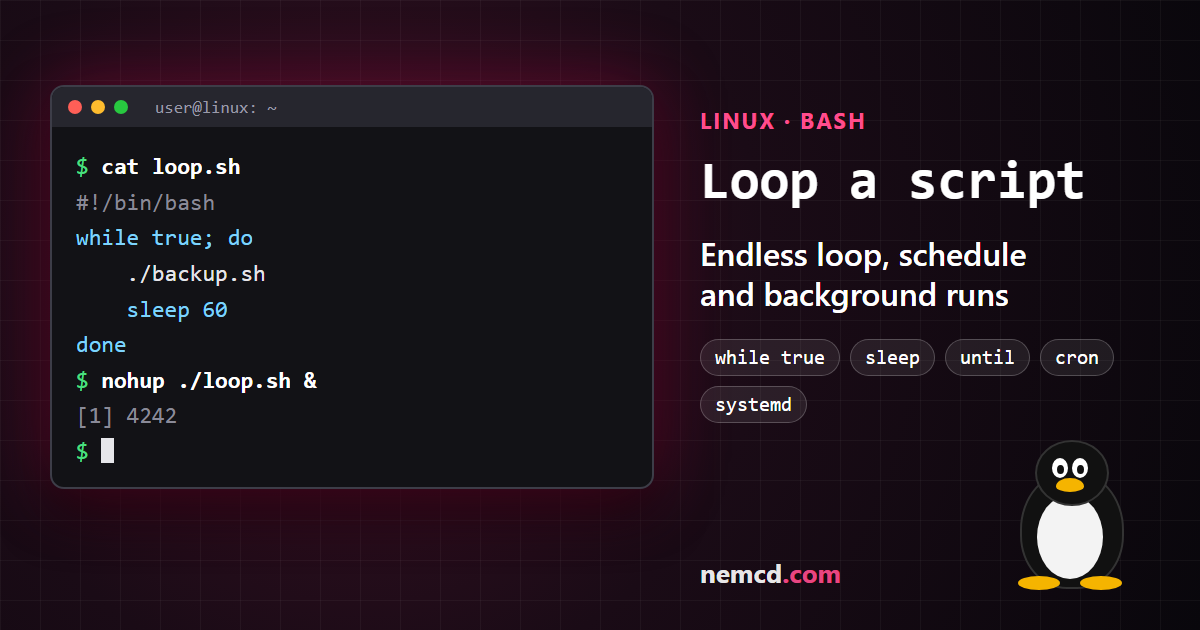
In short: to repeat a script nonstop, wrap it in while true; do … sleep 60; done. To run it on a schedule and after reboots, use cron or a systemd timer.
Read full article →
Sometimes you need the killall command — to stop all processes with the same name — and Debian replies killall: command not found. That means you have to install it first.
In short: killall is part of the psmisc package. Install it and the command appears.
Read full article →
Whenever you need to pause execution in a Linux or macOS bash script – waiting for a database to boot, spacing out API requests, or throttling a retry loop – use the built-in sleep command.
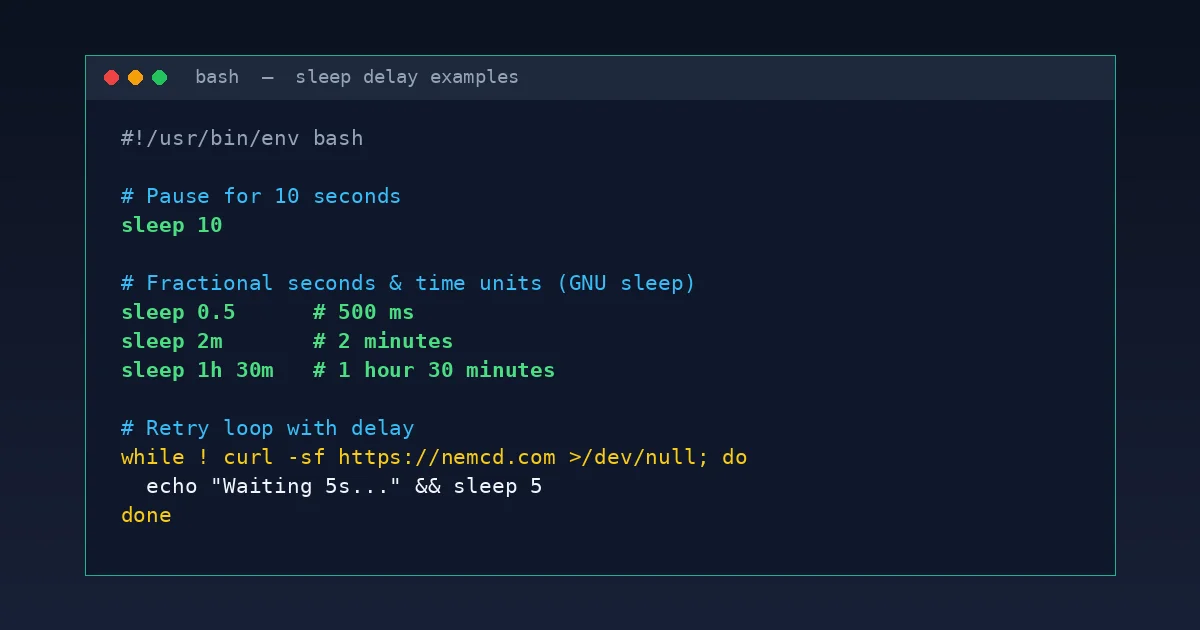
Quick answer: sleep 10 pauses a script for exactly 10 seconds. On Linux (GNU coreutils), sleep also accepts fractional seconds (0.5) and unit suffixes like m (minutes), h (hours), and d (days).
Read full article →
On a fresh Ubuntu Server install (18.04, 20.04, 22.04, or 24.04), running sudo apt install mc often throws E: Unable to locate package mc. The reason is simple: Midnight Commander lives in the universe repository, which is frequently disabled by default on minimal server images.
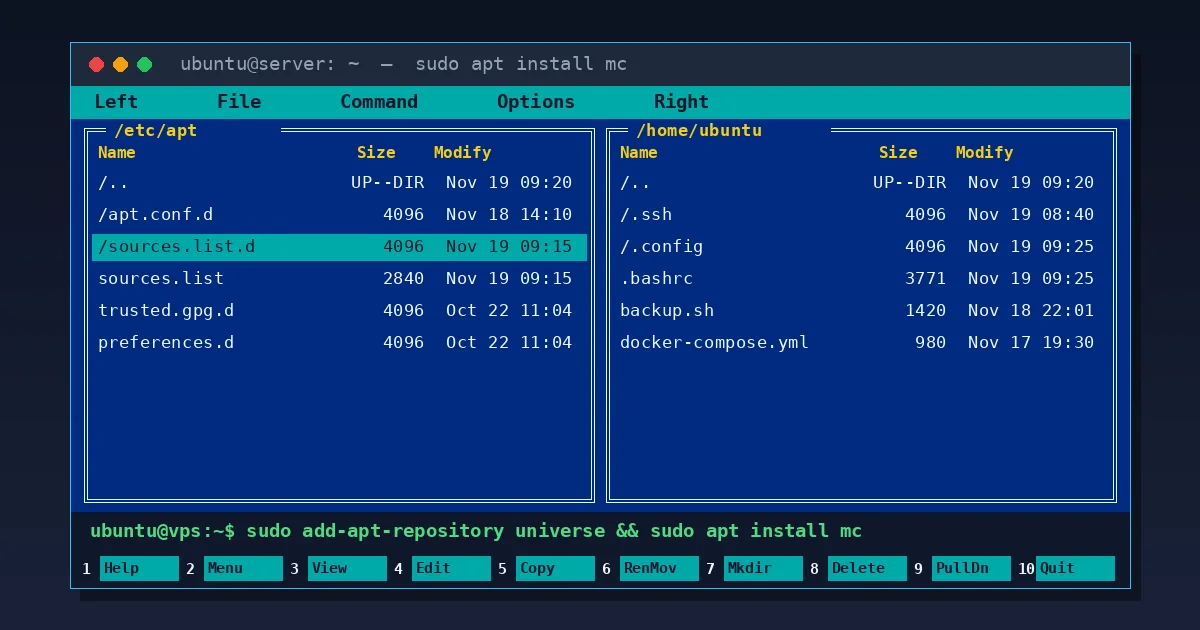
Quick install (3 commands): enable the universe repository, refresh the package index, and install mc:
sudo add-apt-repository universe
sudo apt update
sudo apt install -y mc
Read full article →
The task: copy the full operating system image (with all data) from the memory card of a Raspberry Pi into an IMG file, either as a backup or to move it to another identical Raspberry Pi.
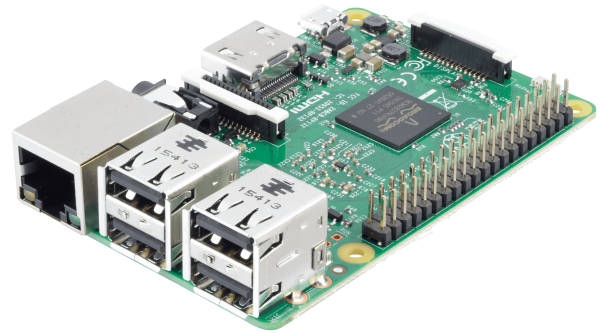
We do this on the Linux command line.
Read full article →