Once an Active Directory domain has accumulated hundreds of accounts, former employees, and service users, sooner or later you need a clean export of only active (enabled) domain users – for an audit, license review, or printable directory. Here are the modern PowerShell one-liner, the classic dsquery LDAP command (fixing a common bitmask trap caught by readers!), and a quick reference table of userAccountControl codes.
Cleanest and most accurate method (PowerShell): run on a domain controller (or any admin PC with RSAT ActiveDirectory installed):
Installed Windows Server 2008 and it doesn’t respond to ping from the network? No problem: incoming ping is simply blocked by the Windows firewall by default. There are several ways to enable it.
Below are three ways for Windows Server 2008, plus a separate section for Windows Server 2012. Read full article →
You often need to recall what a particular switch does. Here is a short Robocopy cheat sheet with the options I use most. The full list is always available with robocopy /?. Read full article →
A terminal session should be ended, not left hanging open. The simple logoff command does it in a second, yet both users and administrators tend to forget about it.
Below are three ways: a desktop shortcut for yourself, a command for ending someone else’s session, and my script that enables a user, lets them work for a set time and then logs them off. Read full article →
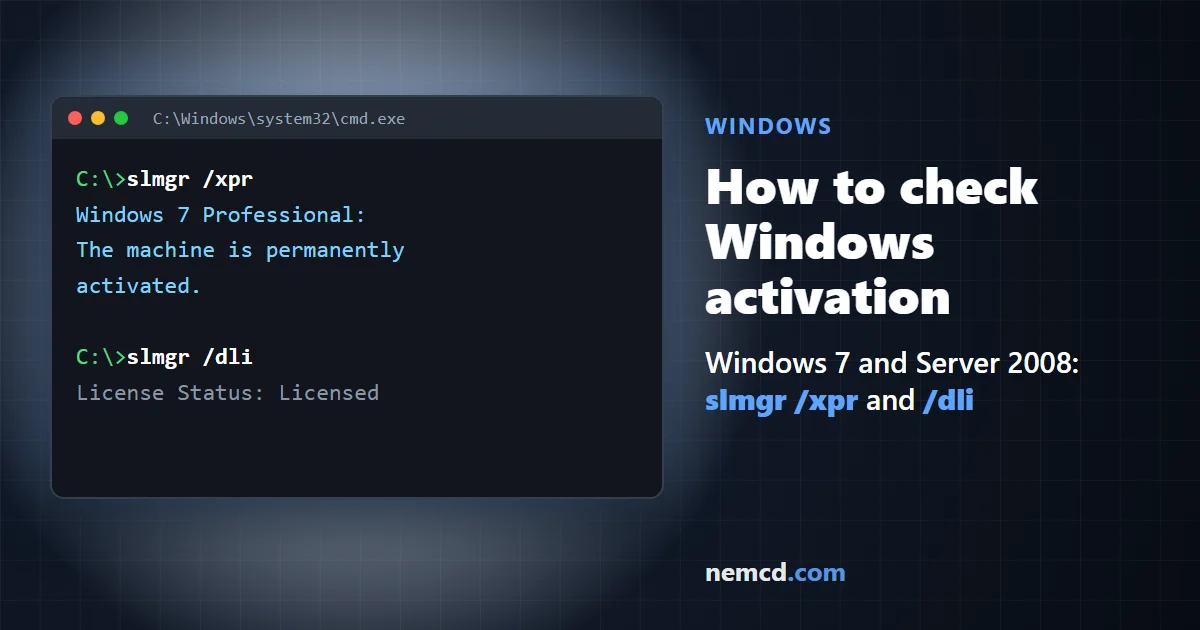
Question: how do I check whether Windows 7 or Windows Server 2008 is activated?
In short: open the command prompt and run slmgr /xpr – Windows will show whether the system is activated permanently or until a certain date. Detailed license information is shown by slmgr /dli. These commands do not require administrator rights.
I used to recommend only slmgr -dli: it works too, but /xpr shows the activation period most clearly. Below are the three commands, what each of them shows, and how to check activation without the command prompt.