ACPI\AWY0001 Unknown Device — What It Is and How to Fix It
After installing Windows I got an unknown device ACPI\AWY0001\2&DABA3FF&0, and none of the drivers from the motherboard CD (Asus M2A-VX) fit it.
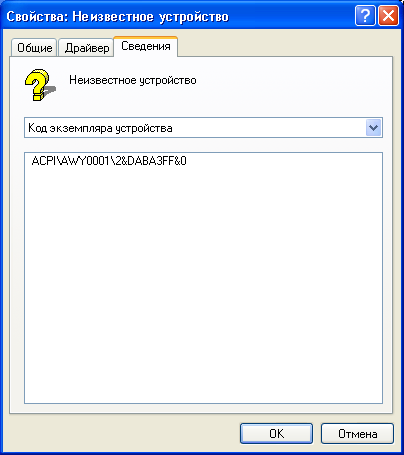
There was a second similar unknown device, but that one was fixed by the ATK0110 driver from MB_WIN7_ATK.ZIP.
What is AWY0001?
AWY0001 is the “Away Mode” device of AMD Live! technology. In Away Mode the PC looks switched off (screen and sound off) but keeps running — meant for media center use. A normal PC doesn’t need it.
Searching online I found people fixing it with iqrtd110_multi.exe from Gigabyte’s site, but that file is long gone. Others simply disabled the device in Device Manager — that works, but leaves a warning icon.
The fix
It’s much simpler: go into the BIOS and disable the “AMD Live!” option (on Asus boards it’s usually under Advanced). After a reboot the unknown device disappears, no driver needed.
If your BIOS has no such option, you can safely disable the device in Device Manager — it doesn’t affect how the PC works.


