FTDI VID 0403 PID 0000 Driver — Fix a “Bricked” USB to COM Adapter
I got a cheap Chinese bare-board USB to COM adapter.
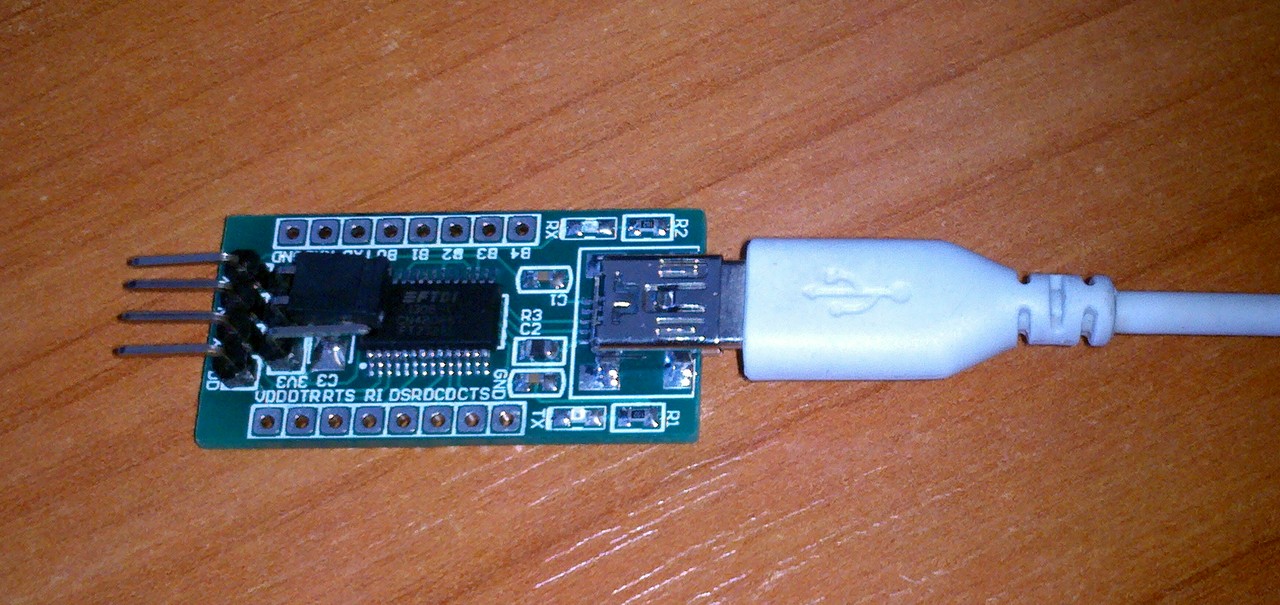
Then it stopped being recognized and Windows asked for an unknown driver.
Googling suggested it used to be VID 0403 PID 6001 — a standard FTDI chip with drivers on FTDI’s site.
But the PID had changed to 0000, so the drivers no longer matched.
That “something” was FTDI’s fight against counterfeit chips: in 2014 an official FTDI driver set the PID of fake chips to 0000. Current FTDI drivers no longer do this, but adapters that were already “bricked” stay at PID 0000.
Two ways to fix it
1. Short way — download the modified FTDI driver for VID 0403 PID 0000: FTDI_drivers_2.04.06_0000.zip. It installs and works.
2. Long way — download the original driver FTDI_drivers_2.04.06.zip and in ftdibus.inf and ftdiport.inf replace 6001 with 0000 (5 replacements in each). You get the same as the short way.
Then, with the driver installed, use FTDI’s FT_PROG (or the older MProg) to write PID 6001 back to the chip. After that, the normal FTDI drivers work again.
For me the long way only half worked — after reconnecting, the PID went back to 0000 — so I just use the modified driver. With PID 0000 the driver can’t be “knocked off” again.
Note: the modified driver is unsigned. On 64-bit Windows 10/11 you may need to temporarily disable driver signature enforcement (Advanced startup → Startup Settings → “Disable driver signature enforcement”) to install it. If you need a reliable adapter, buy one with a genuine FTDI or a CH340/CP2102 chip.


