Windows 2003 Error 7026: i8042prt Driver Failed to Load — Fix
When booting Windows 2003 you get the message “At least one service or driver failed during system startup: i8042prt” (error 7026)?
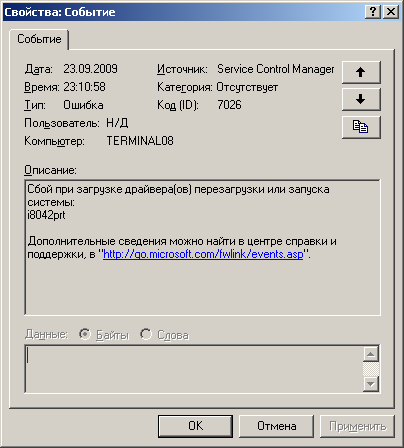
No problem! Here is the fix.
Solution
Run regedit and in this registry key:
HKEY_LOCAL_MACHINE\SYSTEM\CurrentControlSet\Services\i8042prt
set the Start parameter to 4.
Reboot, and all is well!
Background
The solution has been tested and works.
This registry key holds the settings of the i8042prt driver, the Intel 8042 controller driver. The controller handles the PS/2 keyboard and mouse ports.
The error appears when a USB keyboard and mouse are installed, or when there are none at all. Setting Start to 4 disables the driver, so don’t do this if you use a PS/2 keyboard or mouse on that machine.
