PHP Warning: date(): It is not safe to rely on the system’s timezone settings — How to Fix
I set up a new server with PHP 5.3.2 and its newly laid-out php.ini, and warnings immediately started showing up on the sites:
Warning: getdate(): It is not safe to rely on the system's
timezone settings. You are *required* to use the date.timezone
setting or the date_default_timezone_set() function. In case you
used any of those methods and you are still getting this warning,
you most likely misspelled the timezone identifier. We selected
'Europe/Helsinki' for 'EEST/3.0/DST' instead in ...
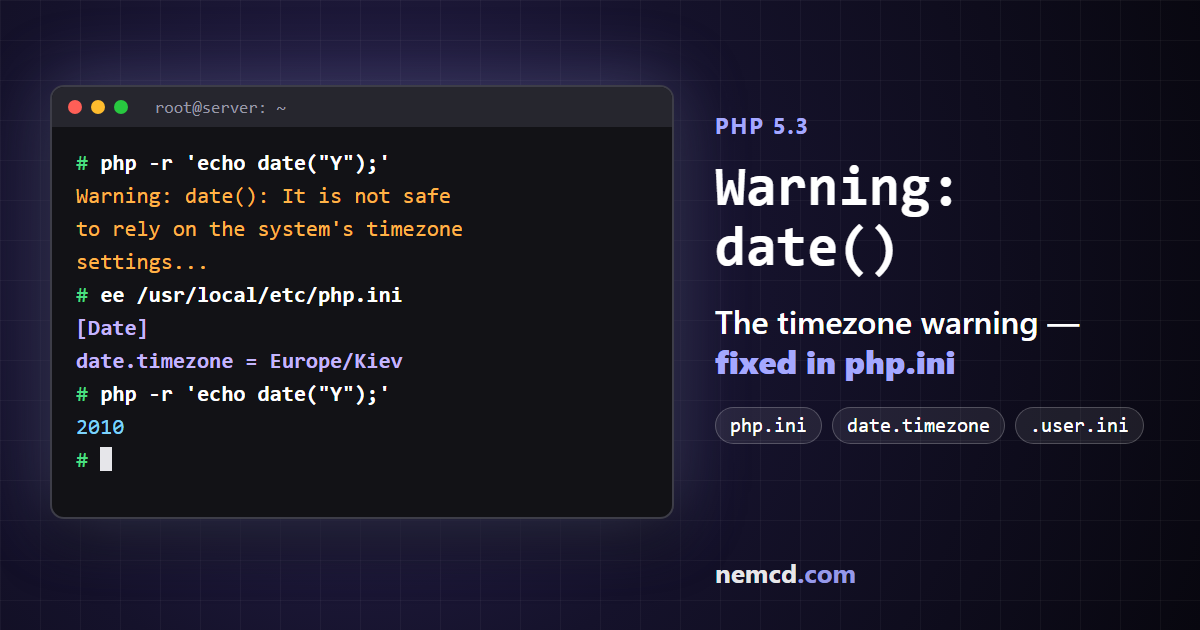
The same warning comes from date(), mktime() and strtotime(): in its older form it looks like Warning: date() [function.date]: It is not safe to rely on the system’s timezone settings. The cause is the same every time: starting with PHP 5.3 you have to set the timezone explicitly. It takes a minute to fix — here are three ways.
Why the warning appears
If the timezone isn’t set anywhere, PHP 5.3 tries to guess it from the server’s system settings (in my case it picked Europe/Helsinki) and reminds you about it with a warning on every call to a date function. The scripts keep working, but the warnings clutter the pages, and the time may not be the one you need.
Method 1: php.ini (the best one)
Open php.ini and find the [Date] section. It has a commented-out line ;date.timezone = — remove the semicolon and enter your timezone:
[Date]
date.timezone = Europe/Kiev
For Moscow it’s Europe/Moscow; the other zones are in the list of PHP timezones.
Where php.ini lives:
- FreeBSD —
/usr/local/etc/php.ini. If the file doesn’t exist, create it from thephp.ini-productionsample in the same directory. - Debian and Ubuntu —
/etc/php5/apache2/php.inifor the web server and/etc/php5/cli/php.inifor the command line. Set the timezone in both.
To find out exactly which file PHP reads, run php --ini (for the command line) or look at the “Loaded Configuration File” line in the phpinfo() output.
After editing, restart the web server:
# FreeBSD
/usr/local/etc/rc.d/apache22 restart
# Debian, Ubuntu
/etc/init.d/apache2 restart
Check:
php -i | grep date.timezone
Method 2: in the script itself
If you have no access to php.ini (ordinary shared hosting), you can set the timezone at the start of the script, before the first call to a date function — for example, in the site’s common configuration file:
<?php
date_default_timezone_set('Europe/Kiev');
If it “didn’t help”, check the quotes. When you copy code from web pages, straight quotes ' often turn into “smart” ‘ ’ quotes, and PHP doesn’t understand the string with them. Also, the line must run before the code that produces the warning.
Method 3: .htaccess or .user.ini
If PHP runs as an Apache module, you can set the timezone in the .htaccess file in the site root:
php_value date.timezone "Europe/Kiev"
If PHP runs via CGI/FastCGI, that line will cause a 500 error. In that case create a .user.ini file in the site root instead:
date.timezone = Europe/Kiev
Update (2026)
- PHP 7 removed this warning: if no timezone is set, PHP silently uses UTC. There’s no error on the screen, but the time can be off by a few hours, so it’s still worth setting date.timezone.
- The correct name of the Ukrainian timezone is now
Europe/Kyiv. The oldEurope/Kievis kept only for backward compatibility, and PHP advises against using it.
In short
- The warning “It is not safe to rely on the system’s timezone settings” means PHP has no timezone set.
- The best fix is
date.timezonein the [Date] section of php.ini, followed by a web server restart. - Without access to php.ini, use
date_default_timezone_set()in the script,php_valuein .htaccess (Apache module) or.user.ini(CGI/FastCGI).