Windows 10 in 2026: Free Security Updates Extended to October 2027 — How to Get ESU
Many people expected Windows 10 to lose security updates for good in October 2026. But Microsoft quietly extended the free Extended Security Updates (ESU) program for home users by another year — until October 12, 2027. Here’s what that means, who is eligible and how to enroll.
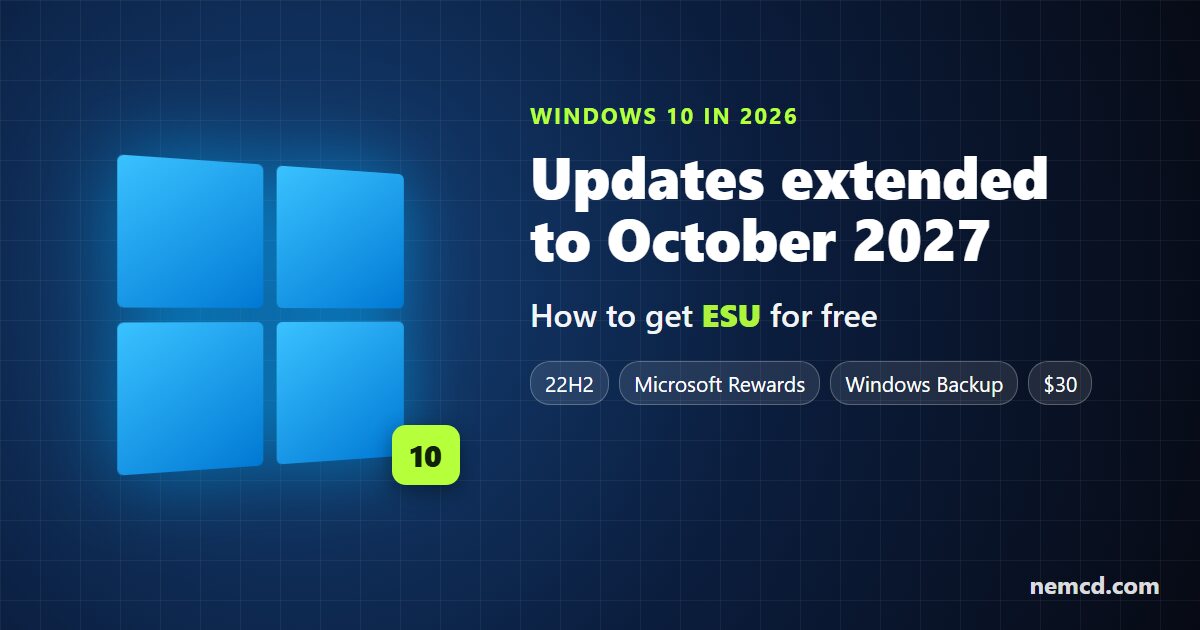
What happened
- October 14, 2025 was the end of regular support for Windows 10.
- For home PCs, Microsoft launched the Extended Security Updates (ESU) program. It was originally set to end on October 13, 2026.
- In summer 2026, Microsoft extended it: you can now enroll and get updates until October 12, 2027.
- If your PC was already enrolled in ESU, you don’t need to do anything — coverage continues automatically.
Who is eligible for ESU
- Windows 10 version 22H2: Home, Pro, Pro Education or Pro for Workstations.
- All the latest Windows updates installed.
- A Microsoft account with administrator rights. If you use a local account, Windows will ask you to sign in with a Microsoft account; child accounts aren’t eligible.
Checking your version is easy: press Win + R, type winver and press Enter.
How to enroll in ESU for free
- Open Settings → Update & Security → Windows Update.
- Find the Windows 10 end-of-support message and the link to enroll in Extended Security Updates.
- Pick one of three options:
- free — turn on settings sync with Windows Backup to your Microsoft account;
- free — redeem 1,000 Microsoft Rewards points;
- buy a one-year license for $30 (plus applicable taxes).
- Confirm the enrollment. Security updates will then keep arriving through Windows Update as before.
What ESU gives you — and what it doesn’t
ESU covers only critical and important security updates. There are no new features, no regular bug fixes and no free technical support. Windows 10 keeps working as it is, but it stays much safer than with no updates at all.
What to do next
The extension buys you one more year, not forever. Use it to plan the move calmly:
- Check whether your PC can run Windows 11. Install Microsoft’s PC Health Check app. If your computer is compatible, the upgrade to Windows 11 is free.
- If your PC isn’t compatible, plan to buy a new computer by October 2027 or switch to Linux — for example, Linux Mint or Ubuntu run well on older hardware.
- Businesses and schools have a separate paid ESU program that runs until October 2028.
If you’re still on Windows 10, the smartest move is to enroll in ESU right now: it’s free and takes a couple of minutes.
