On Linux, you often need to generate a test file of an exact size – say 100 MB or 3 GB – to benchmark network transfer speeds, test disk quotas, create a disk image, or allocate a swap file. Here are the three best commands, how they differ, and why the old dd seek=3G trick sometimes surprises people.

Quick answer: the fastest reliable command on modern Linux (ext4, XFS) is fallocate -l 3G /tmp/testfile – it reserves real disk blocks in a fraction of a second.
Read full article →
You often need to ping a website from different parts of the world: to find connectivity problems with the provider where the server sits, to check response times, or to see how fast a page loads from different cities and countries.

If you just want to see whether a site opens from, say, the US, a proxy or VPN will do. But to quickly check whether a site is reachable from 5, 10 or 20 countries, the services below come in handy.
Read full article →
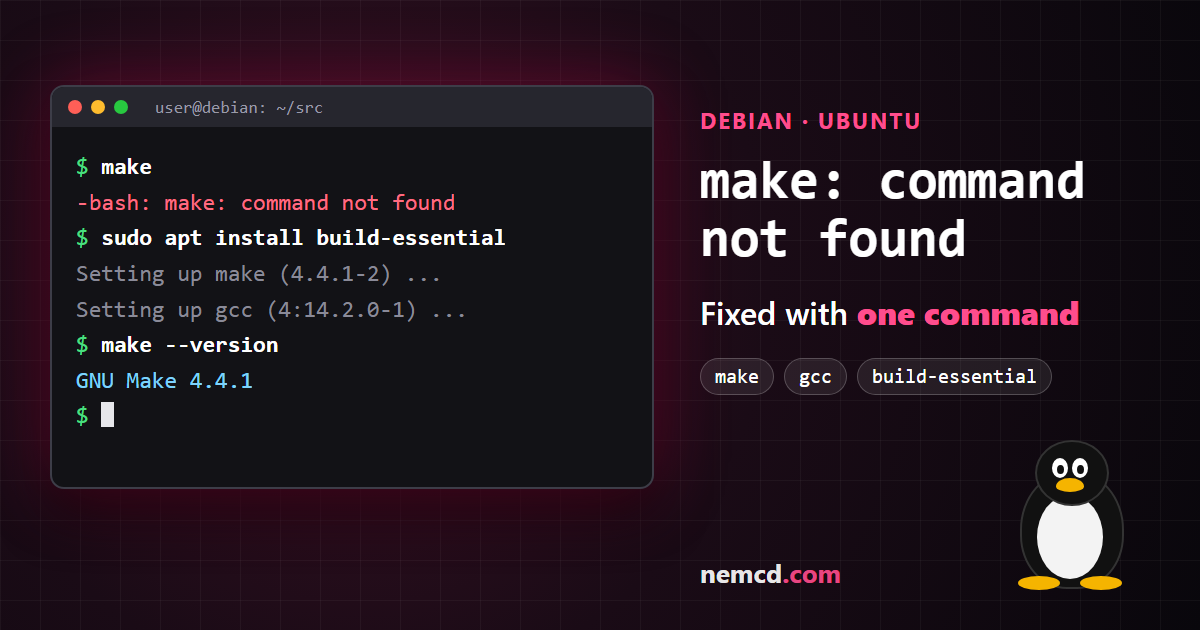
You’ve downloaded the source code and want to build a program, but the terminal replies:
make: not found
or
-bash: make: command not found
It means just one thing: the make utility isn’t installed. Minimal Debian and Ubuntu installs, VPS images and Docker images don’t include it by default.
Read full article →
I got a brand-new Debian VPS and, out of habit, immediately started looking for files:
locate nginx.conf
but ran into an error:
-bash: locate: command not found
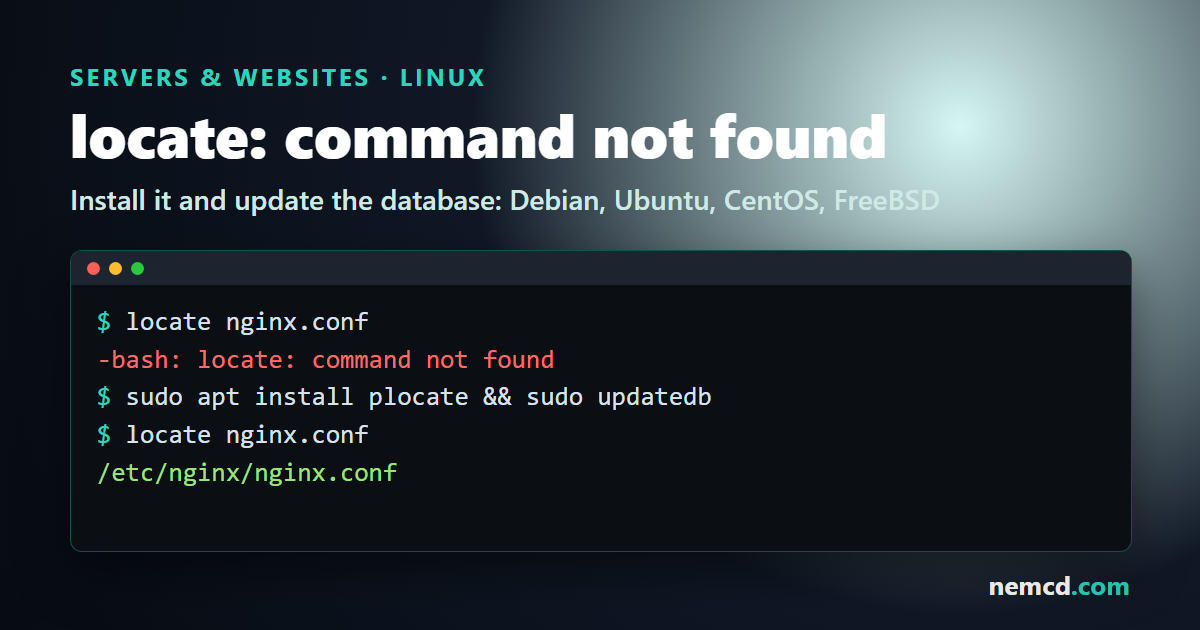
It turns out a minimal install doesn’t include locate: you need to install the package and build the file database first, and only then can you search.
Read full article →
Reading massive default config files like squid.conf or php.ini can be exhausting: 90% of the file is inline documentation and commented examples, hiding the ten active lines you actually care about. One grep command cuts straight through the noise and shows only live directives.

Always back up the original file before trimming it – those commented examples are priceless later when you want to check default parameter names.
Read full article →