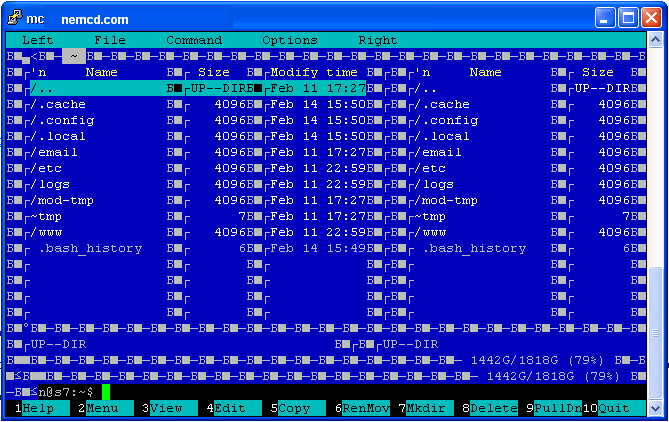
I took a hosting plan for a test drive, and it included SSH access. The first thing I did was look at the server from the inside. I entered the settings in PuTTY, connected, and instead of a normal Midnight Commander window I got random letters, squares, and shifted lines. In short, garbled characters. Obviously something was wrong with the encoding.

Read full article →
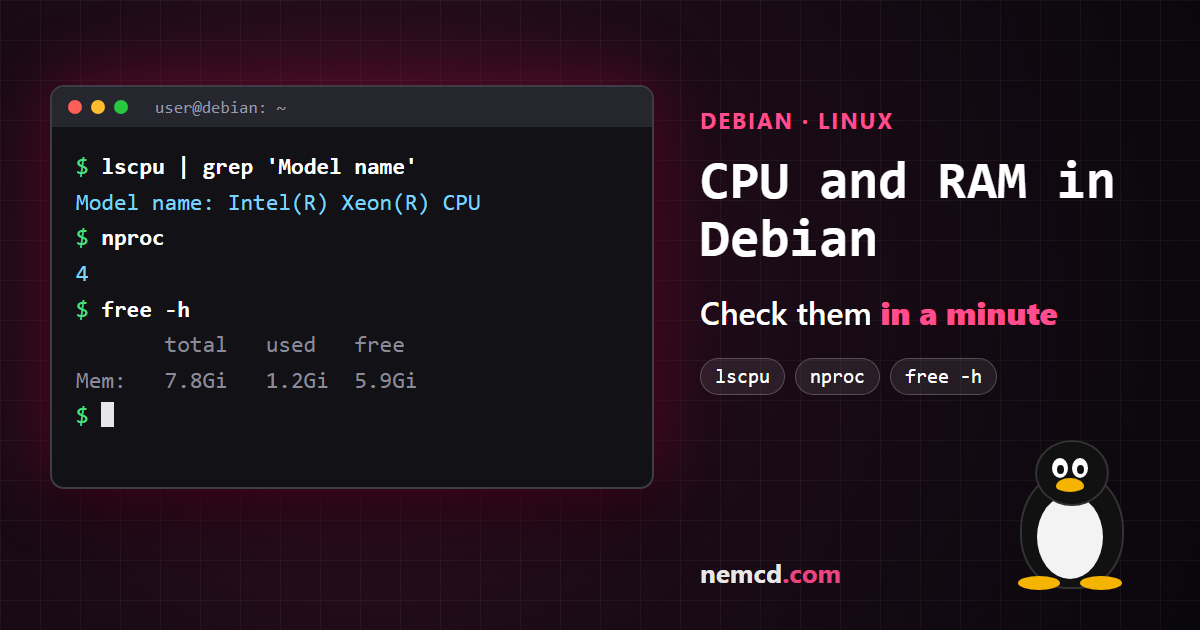
I rented a Debian Linux VPS. Linux is different from FreeBSD, which I’ve worked with for a long time, so small questions keep coming up — I write them down so I know where to look. The first one: how to check the processor, its frequency and the amount of memory. All the commands below work on Debian, Ubuntu and other distributions.
Read full article →
Just a quick note from experience: I once configured network access to a PostgreSQL database running on a waiter POS terminal under Gentoo Linux. After setting it up, I forgot about it, and when I needed to tweak the access rules later, I had to track down where the config lived and recall the exact rule format.
 PostgreSQL: configuring local network access
Client authentication and IP filtering in PostgreSQL are controlled by pg_hba.conf, while the network interfaces the server listens on are configured via listen_addresses in postgresql.conf. Below is a complete reference covering where to find these files on Gentoo, how each field in the rules works, and how to reload the configuration without dropping active connections.
Read full article →
OpenWrt (in my case running on a TP-Link TL-WR842ND) is far more stable than stock router firmware, yet older low-RAM routers juggling a dozen clients can still hiccup after weeks of uptime – for instance, stopping DHCP leases until restarted. Scheduling an automatic daily or weekly reboot via cron keeps everything running smoothly hands-free.

There is, however, a nasty trap that bit several readers in the comments: putting a bare 5 7 * * * reboot into cron on a router without a hardware clock battery can send it into an endless reboot loop! Below is the safe command recommended by the official OpenWrt documentation.
Read full article →
When editing the BIND configuration on a server (for example, after adding a new zone to named.conf), trying to gently apply the changes with /etc/rc.d/named reload, service named reload, or rndc reload often ends with a terse and unhelpful error: rndc: ‘reload’ failed: failure.
 When reloading BIND after editing named.conf ends with rndc: ‘reload’ failed: failure
In short: the named daemon itself usually keeps running on the old configuration, but refuses to load the new changes. To quickly pinpoint the exact line with a typo, validate the config and zone files with named-checkconf and named-checkzone, and check the system log or dmesg -a on FreeBSD for the detailed error message.
Read full article →