Mac mini: How to Boot from a USB Flash Drive
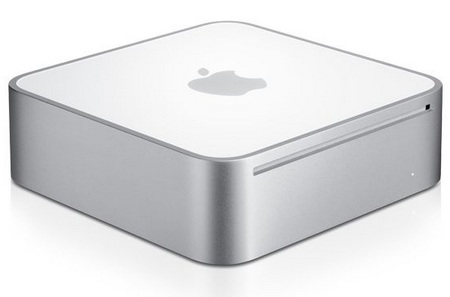
How do you boot a Mac mini from a USB flash drive?

When you turn on the Mac, press and hold the Alt (Option) key — a menu for choosing the boot disk appears, and you’ll see your flash drive in it. Select it with the arrow keys and press Enter.
If the flash drive isn’t in the menu
- The drive has to be bootable: an OS X installer drive is made with Disk Utility or, starting with OS X Mavericks, with the createinstallmedia command from the installer itself.
- Try another USB port and hold Alt right after pressing the power button.
- If you use a wireless keyboard, it may not connect in time — plug in a wired one for now.
How to change the system that boots by default
Another common question is how to choose which system boots by default (if, of course, you have a second system, such as Windows).
You do this from Mac OS: open System Preferences → Startup Disk, click the lock at the bottom of the window, enter your password and select the system you want.
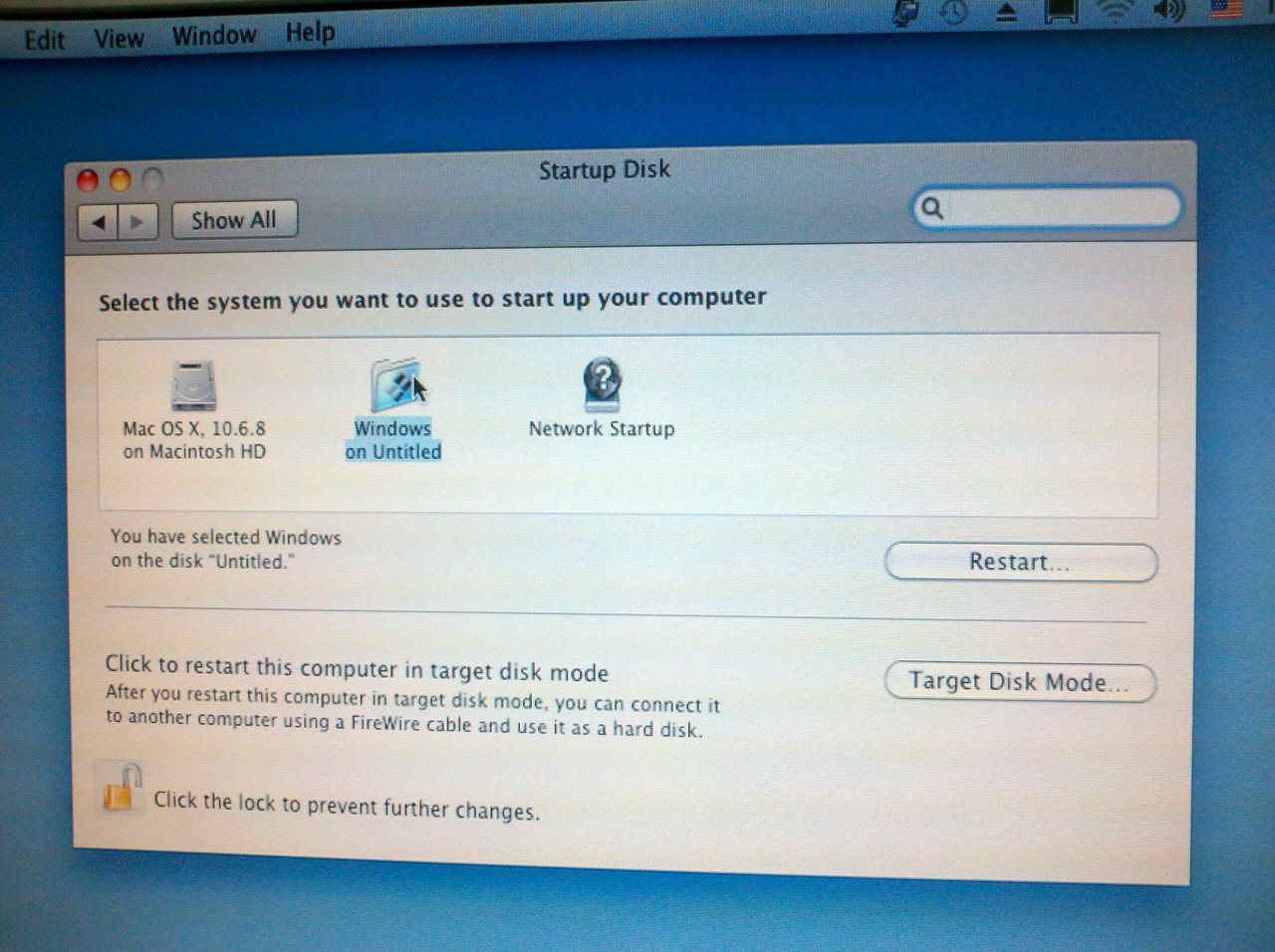
Restart — the selected system will now boot by default.
