Category:
Apple Posted:
March 18, 2016
Author:
Antonio
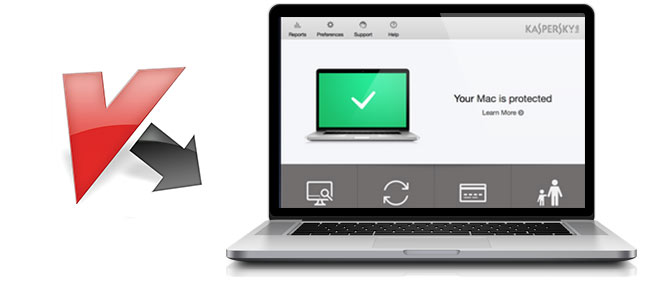
Sometimes I have to deal with Apple hardware — today, for example, a question came up about Kaspersky antivirus on Mac OS.

The license key expired long ago, there’s no desire to buy a new one, and anyway I feel like trying something new.
Read the full article
Category:
Apple Posted:
October 2, 2014
Author:
Antonio
How do you boot a Mac mini from a USB flash drive?

When you turn on the Mac, press and hold the Alt (Option) key — a menu for choosing the boot disk appears, and you’ll see your flash drive in it. Select it with the arrow keys and press Enter.
Read the full article
Category:
Apple Posted:
October 2, 2014
Author:
Antonio
It turns out that Safari on the iPhone automatically turns phone numbers on web pages into links, and that can cause all sorts of trouble.

For example, links on my site were white by default, and the phone number in Safari blended into the background — white on white.
Read the full article
Category:
Apple Posted:
September 27, 2014
Author:
Antonio
Apple stores and other computer shops sell special memory for Macs. It usually costs noticeably more, and many people are willing to pay extra for guaranteed compatibility.
The first big Mac Pros (2006–2007) use DDR2-667 FB-DIMM memory with error correction (ECC). This memory is expensive in itself: FB-DIMM (Fully Buffered DIMM) is a standard that improves the reliability, speed and capacity of the memory subsystem.

The same FB-DIMM memory is used in servers.
Read the full article
Category:
Apple Posted:
September 19, 2014
Author:
Antonio
While installing Xcode on Mac OS X 10.6.8, I ran into this problem: almost at the very end of the installation, a warning pops up
Installation Alert — In order to continue installation, please close the following application: iTunes

The funny thing is that iTunes isn’t running.
Read the full article