After installing or upgrading phpMyAdmin (4.9, 5.x), you often see a yellow warning banner at the bottom of the home screen: The $cfg['TempDir'] (./tmp/) is not accessible. phpMyAdmin is not able to cache templates and will be slow because of this. The app still works, but re-renders every Twig template from scratch on every request. Fixing it takes two minutes.


Quick fix: create the temporary directory, grant write ownership to your web server / PHP-FPM user (typically www-data), and set an explicit absolute path for $cfg['TempDir'] in config.inc.php.
Read full article →
After installing LibreOffice on Debian, Ubuntu, or Linux Mint, the suite often launches in English without extra spellcheck dictionaries. Adding Russian (or any other language) UI localization and spellchecking takes a single terminal command.

Quick command: install the Russian interface, offline help, spellchecker, and thesaurus all at once:
sudo apt update && sudo apt install -y libreoffice-l10n-ru libreoffice-help-ru hunspell-ru mythes-ru
Read full article →
A CAA (Certification Authority Authorization) DNS record lets a domain owner explicitly declare which Certificate Authorities (CAs) are permitted to issue SSL/TLS certificates for their domain. Since September 2017, checking CAA records is mandatory for every public CA – without matching permission in your CAA policy, no authority can issue a certificate for your domain.

Quick answer: CAA prevents accidental or unauthorized HTTPS certificate issuance for your domain. If you use Let’s Encrypt, adding a single record – 0 issue "letsencrypt.org" – locks down certificate issuance in under a minute.
Read full article →
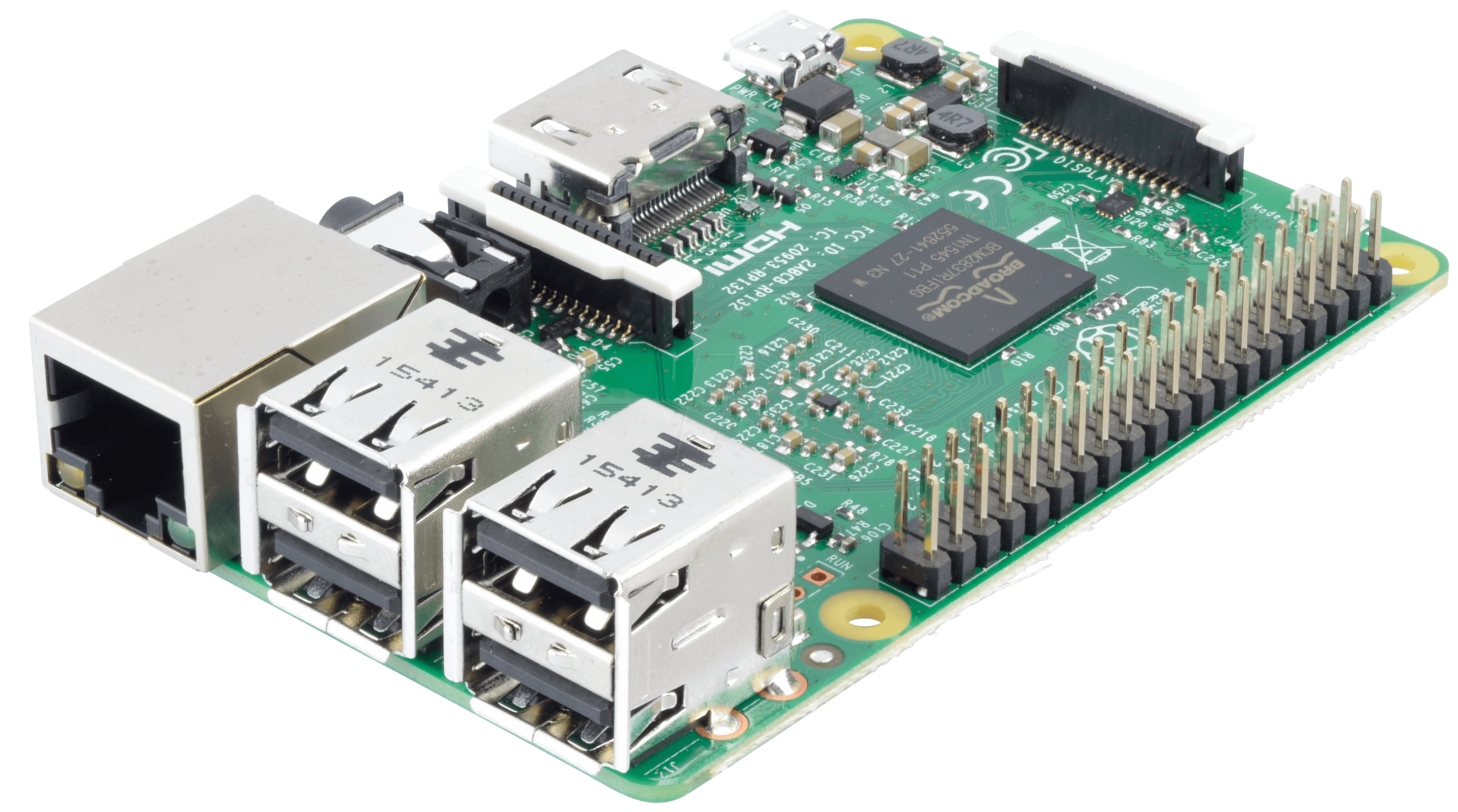
Since I work with the small single-board Raspberry Pi, I’m starting a series of Raspberry Pi tips in the Linux section.
The official OS is Raspberry Pi OS (formerly Raspbian, based on Debian). I use the Lite version when I don’t need a desktop — a small memory card is plenty.
Read full article →
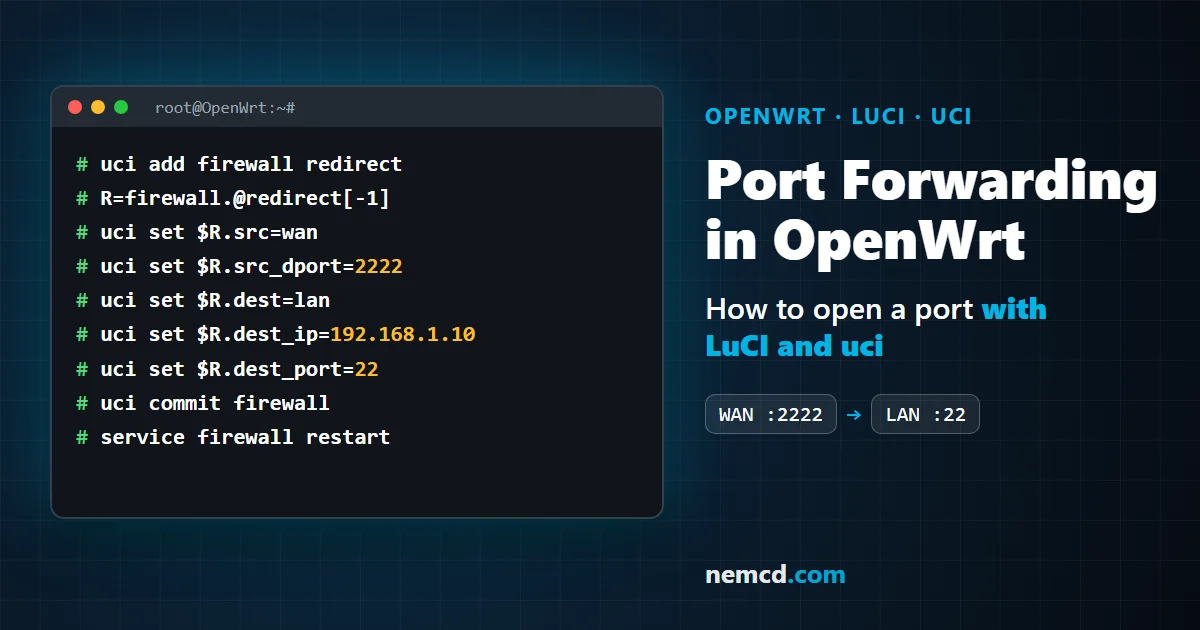
I’ve written about OpenWrt before: how to open the web interface from the internet and how to reboot the router on a schedule with cron. Recently I flashed an inexpensive TP-Link Wi-Fi router with OpenWrt and decided to show, with screenshots, how to set up port forwarding.
In short: Network → Firewall → Port Forwards → Add, enter the external port plus the IP and port of the device on your local network, then click Save & Apply. It only works if the router has a public IP address.
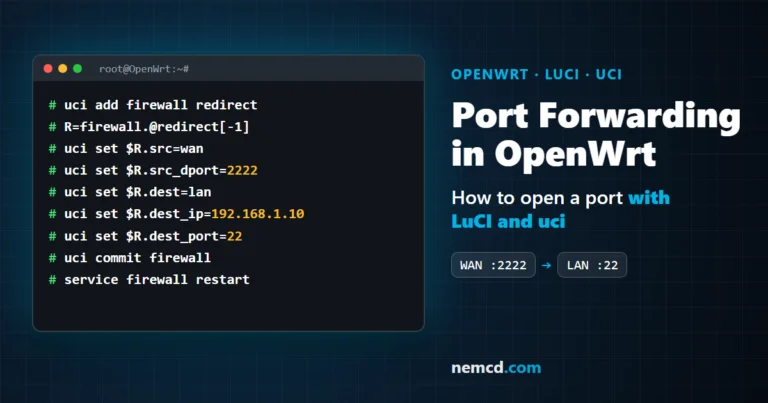
Below: how to open a port in the LuCI web interface and with a short batch of shell commands, how to allow the port only from your own IP, and what to check if the port is forwarded but still closed from outside.
Read full article →