How to Connect a Microphone to a Mac mini
It turns out the Mac mini has no microphone input — only a line input!
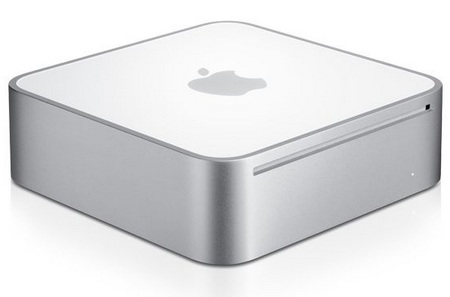
That means a regular microphone (for Skype, say) plugged into the audio input either won’t work or will be barely audible.
Why a regular microphone doesn’t work
The signal from a regular microphone is very weak and needs amplifying. A typical computer’s mic input has such an amplifier built in, but the Mac mini’s line input is designed for a strong signal — from a music player or a mixing desk, for example.
What to connect instead
- An active microphone — with its own power and amplifier.
- A USB microphone or USB headset — the simplest option: plug it in and the Mac sees it right away.
- A Bluetooth headset.
- An external sound card with a mic input (connected via USB or FireWire, also known as IEEE 1394).
- A webcam with a built-in microphone.
Once it’s connected, open System Preferences → Sound → Input and choose the device.
