make: command not found on Debian and Ubuntu — How to Fix
You’ve downloaded the source code and want to build a program, but the terminal replies:
make: not found
or
-bash: make: command not found
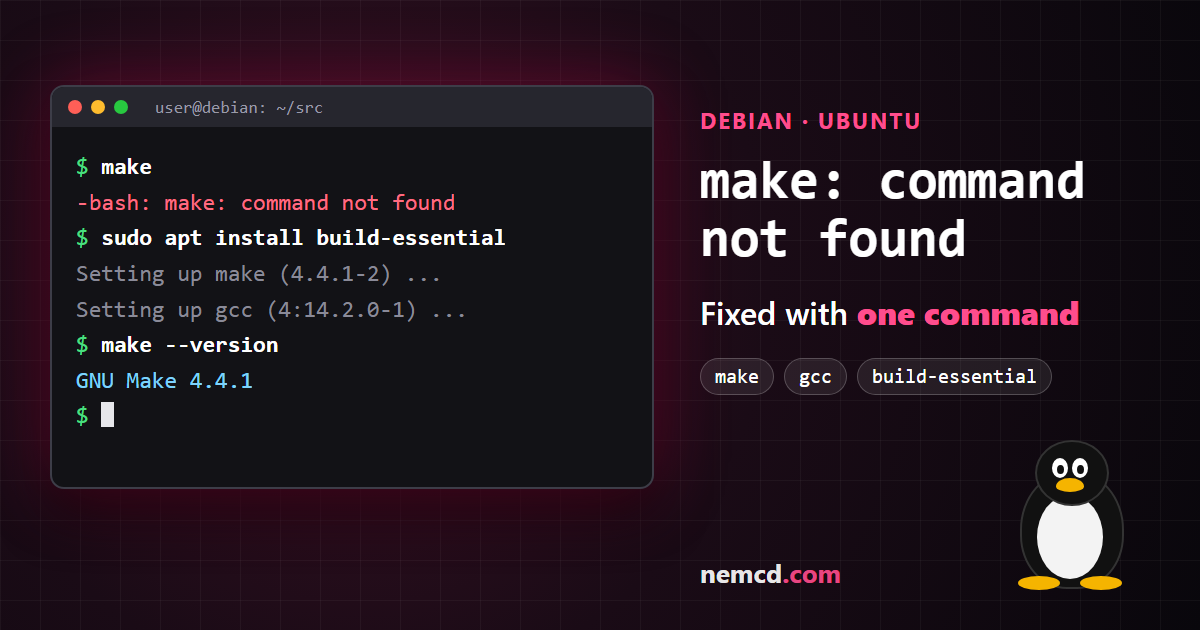
It means just one thing: the make utility isn’t installed. Minimal Debian and Ubuntu installs, VPS images and Docker images don’t include it by default.
Quick fix
Install the make package:
sudo apt update
sudo apt install make
If you’re working as root, you don’t need sudo. The old aptitude install make also works, but aptitude isn’t installed by default on modern systems, while apt is always there.
Better: install build-essential right away
make alone is rarely enough to build anything: the next error will be
gcc: command not found
or cc: not found. So it’s easier to install everything at once — the build-essential package includes make, the gcc and g++ compilers, libc6-dev and dpkg-dev:
sudo apt install build-essential
Check
make --version
gcc --version
If both commands print a version number, you’re ready to build: ./configure, then make and sudo make install.
If the build still fails
fatal error: xxx.h: No such file or directoryorconfigure: error: ... not found— library headers are missing. You usually need a package ending in-dev, such aslibssl-devorzlib1g-dev.cmake: command not found— the project uses CMake:sudo apt install cmake.- There’s no
./configurefile, but there isconfigure.ac— you need autotools:sudo apt install autoconf automake libtool, thenautoreconf -i. pkg-config: not found—sudo apt install pkg-config.
On other distributions
| Distribution | Command |
|---|---|
| Debian, Ubuntu, Mint | sudo apt install build-essential |
| Fedora, RHEL, Rocky, Alma | sudo dnf install make gcc |
| Arch, Manjaro | sudo pacman -S base-devel |
| Alpine | apk add build-base |
| openSUSE | sudo zypper install make gcc |
In short
The make: not found error is fixed by installing the make package, and to avoid hitting the next errors one by one, install build-essential right away.
Need a Linux server to practice on? On Vultr you can spin up a Debian or Ubuntu VPS with hourly billing in 30+ locations and delete it when you’re done.
The Vultr link is an affiliate link: it costs you nothing extra, and the blog gets a small reward.