cnap2lak.exe — What Is This Startup Process (Canon)
While cleaning up a computer, I saw a process called cnap2lak.exe in startup. I don’t have it on my own machine, so I suspected something bad. But it turned out to be fine.
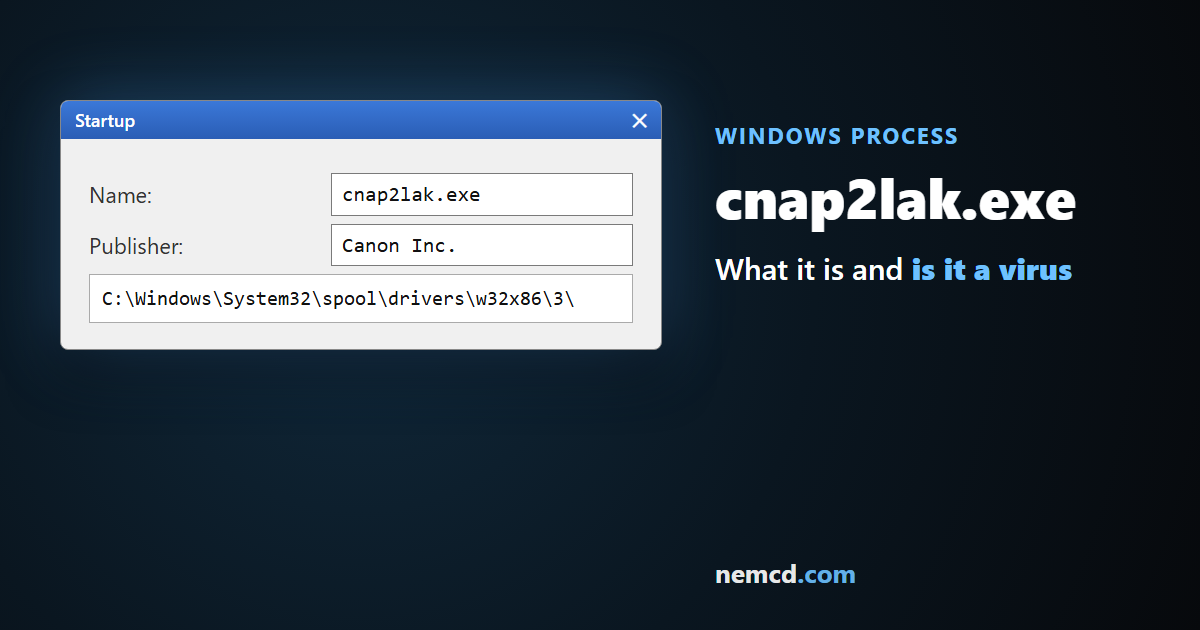
cnap2lak.exe is the Canon Advanced Printing Technology Printer Status Window Launcher, part of the Canon printer driver package. It’s not a virus.
What cnap2lak.exe does
It launches the Canon printer status window: it shows that a job is printing or that paper or toner has run out. It’s installed together with the Canon printer driver and added to startup.
Where the file is located
The file lives in the print driver folder %SystemRoot%\system32\spool\drivers. The exact path depends on the driver version and system; on that computer it was:
C:\WINDOWS\system32\spool\drivers\w32x86\3\CNAP2LAK.EXE
How to make sure it’s not a virus
- The file should be in the print driver folder, not, say, in temporary folders or your user folder.
- In the file properties (Details tab), the company is Canon.
- A Canon printer is (or was) installed on the computer.
If any of that doesn’t match, scan the file with an antivirus.
Can you remove it from startup?
Yes: printing isn’t affected, you just won’t get the pop-up printer status window. Disable cnap2lak.exe in startup (in Windows 7 — via msconfig, Startup tab). If you no longer have a Canon printer, it’s better to uninstall its driver completely — cnap2lak.exe will go with it.